Rather like Ektar

Ezzie

E. D. Russell Roberts
Local time
8:09 PM
Joined
Sep 1, 2009
Messages
2,699
Location
Norway
The last roll I had lab processed turned out rather nicely. Shot over a wide range of subject material and light conditions I´m rather impressed with its true colour rendering. I ´ve read people seem to get too rich red, greens or blues. I found it rather neutral. I´ve not tweaked colour temperature, nor enhanced any of the channels.

Sun up, contre-jour:

Fornebu #14 by Eirik0304, on Flickr


Fornebu #12 by Eirik0304, on Flickr

Morning mist:

Morning mist #5 by Eirik0304, on Flickr

Midday fog:

Secluded pond by Eirik0304, on Flickr

Autumn sunset:

Gla by Eirik0304, on Flickr


Hermione in the woods by Eirik0304, on Flickr

Midday overcast:

Rotunda by Eirik0304, on Flickr


Rotunda and flagpole by Eirik0304, on Flickr

The last picture added as reference for the red colours of the vines in the previous shot. The red on the flag on the pole is faithfully depicted, in case you where wondering if the vines are over-saturated.

Having said that, I use a meter for each and every shot when using Ektar.
 
Agree... your results are very nice. My #1 question is, what speed did you shoot at? Personally, I find it rather difficult to control the colour casts for general shooting. When it works its great but just a little difficult to manage the colour shifts. I still find the best definition of Ektar 100 being, its digital film 😀
 
Thanks.

I shoot nominally @ EI100. I wouldn´t entrust the lab with pushing, they wouldn´t be able to do it. I don´t process C-41 myself, yet. I do however meter quite carefully, putting shadows where I would want some details in zone 3 or 4, and hope I don´t blow the highlights.
 
I get very rich reds and blues with ektar, but I love it...

elica.jpg
 
Yea, and Imagine that Ektar is a DECADE old technology that has been in the motion picture industry. Imagine what state of the art modern films would look like if they had as big R&D as digital has.
 
Not to dismiss the temperamental nature of the film, but I do wonder if vintage lenses were used in the more subdued shots and modern lenses in the bolder ones. I know the difference color rendition between my Pen lenses and Hexanon lenses is quite noticeable.
 
Nice images, Ezzie. Ektar is absolutely wonderful for colorful landscapes like here but it's not very flattering for portraits unless you have red skinned models. One more nice thing about Ektar is that it's quite tolerant to long exposures. It's my first choice for color pinhole shots.
 
I have shot a few rolls of Ektar with modern lenses and found the blues a bit intense. This past summer while in the Rocky Mountains, I put a roll of Ektar thru my 1929 Leica 1a and thought the results just wonderful. The lower contrast, uncoated lens combined with the Ektar to give lovely colors that reminded me of Kodachrome. I wish I new how to post some. Try it with an uncoated lens and see what you get. Joe
 
lovely stuff, Ezzie (man, i'd love to have a land rover of that vintage). i have limited experience with ektar, but i like it much. the color in your shots reminds me of the astia 100 setting in my x100 - just right. i am no judge of red and green, however; mildly color blind there ... 🙂
 
Very nice, Eirik; great match to the Ultron. "Morning Mist" #5 is Outstanding .... I shot 7 rolls of it in Alaska in September, and really like the neutral color rendering and high resolution. Forgive two reposts from then:

EKTAR-Scan-110918-0076b.jpg


EKTAR-Scan-110918-0152.jpg


Shot at ISO 100.

Roland.

PS: Pikapig, how do you scan ?
 
Very nice, Eirik; great match to the Ultron. "Morning Mist" #5 is Outstanding .... I shot 7 rolls of it in Alaska in September, and really like the neutral color rendering and high resolution. Forgive two reposts from then:

EKTAR-Scan-110918-0076b.jpg


EKTAR-Scan-110918-0152.jpg


Shot at ISO 100.

Roland.

PS: Pikapig, how do you scan ?
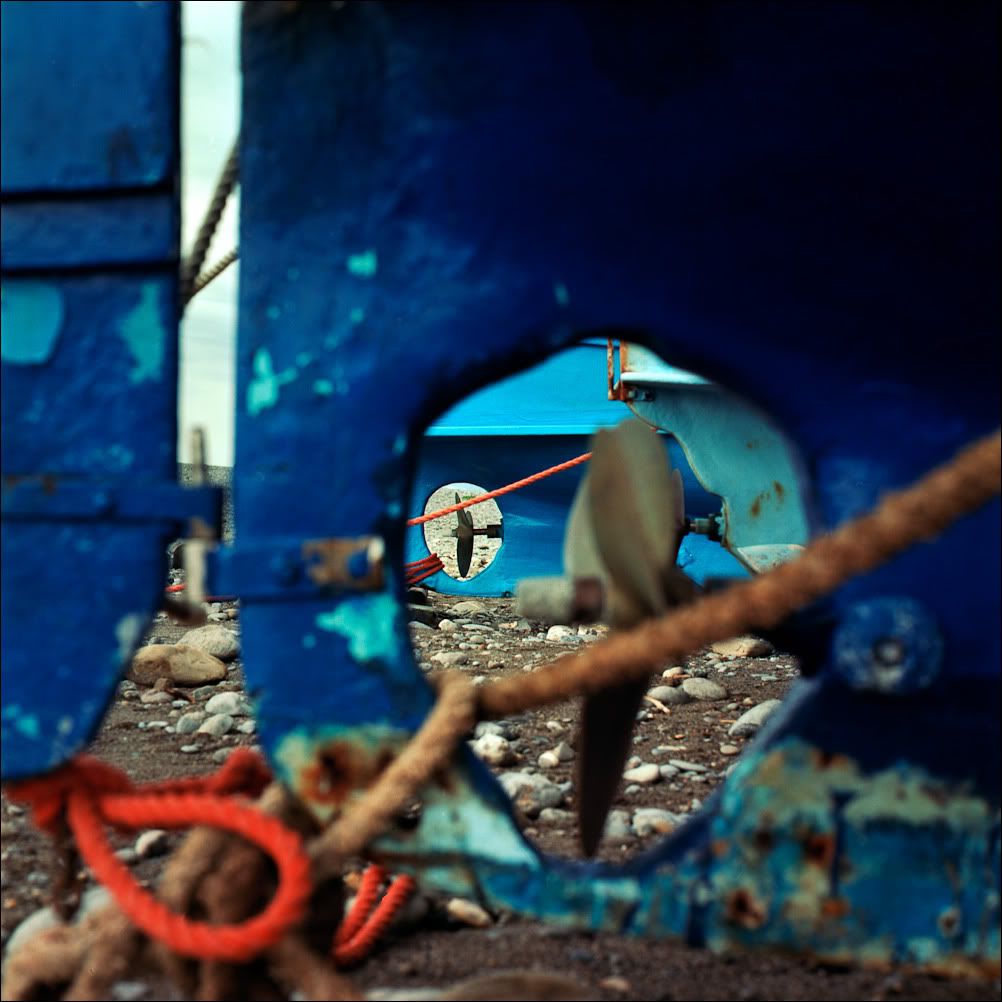
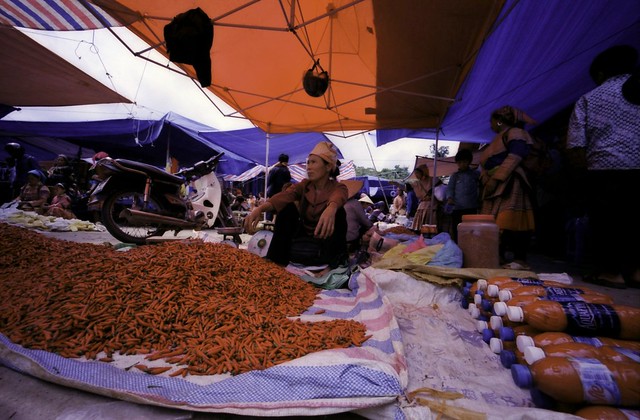
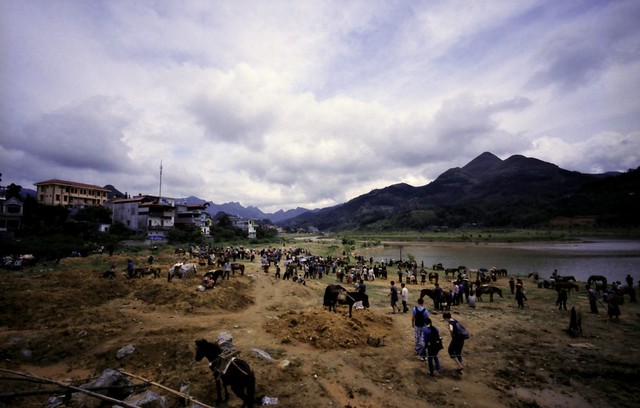
I was thinking if it was my scanning issue..im using canon 8800f using the canon software (arcsoft photostudio) for scanning...the colors came out with a strong purple blue tint for most of the pictures.

I scan under the color matching target, sRGB IEC61966-2.1 as well as Pro Photo RGB mode. The results are the same.

I dont face this issue with other negatives, say kodak colorplus, fuji superia...there was never a strong hue in the picture. I guess its time to find out where did i went wrong..

By the way, nice pictures, very nice colors here!🙂
 
The only possible reason that i could narrow down was that under a certain shade, a blue hue will be present...

Given this picture, most of the shelter are blue...but the intense of the colors are a little too much

6084048577_7d4a1c22c9_z.jpg


and so i thought was the blue shelter that caused the blue hue until...i scan this picture taken bright and sunny

6084054427_5886f287e9_z.jpg


The same blue hue still appears...

I checked on another picture using another roll of ektar again...the portion under the shade shows a little more bluish compared to the unshelthered portion, it wasnt as bad as the above 2 pictures.
5793789042_5236f5a4c5_z.jpg


Under bright sunny condition...the colors came out nice....
5793787868_6921a731de_z.jpg


I kept having inconsistent results with ektar till i dare not use it for my travels...

Sorry to flood this thread with many pictures but i sincerely hope someone will be able to guide me along with this negative...i felt disappointed with myself for not being able to get the best out of this film like what you guys has been showing here..
 
I was thinking if it was my scanning issue..im using canon 8800f using the canon software (arcsoft photostudio) for scanning...the colors came out with a strong purple blue tint for most of the pictures.

I scan under the color matching target, sRGB IEC61966-2.1 as well as Pro Photo RGB mode. The results are the same.

I dont face this issue with other negatives, say kodak colorplus, fuji superia...there was never a strong hue in the picture. I guess its time to find out where did i went wrong..

By the way, nice pictures, very nice colors here!🙂

Thanks ! Looks to me like your scanner is not removing the base color correctly. I do that using Vuescan.

Can you get a wet-print of your negative and see what happens ?

Under bright sunny condition...the colors came out nice....
5793787868_6921a731de_z.jpg

Very nice !

Roland.
 
Thanks ! Looks to me like your scanner is not removing the base color correctly. I do that using Vuescan.

Can you get a wet-print of your negative and see what happens ?


Very nice !

Roland.

Thanks Roland...wet print isnt easy to find in my country..
i do have vuescan as well..maybe i should try using vuescan to see if i will get the colors correct. 🙂

Jackson
 
Back
Top Bottom