I can only describe the methods I've used with LR and CS, as this is the software I own. I've seen consistently good results here with SEP, so it might be a better tool.
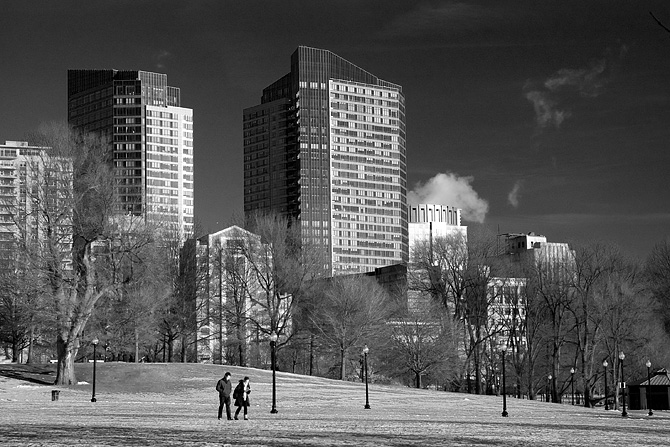
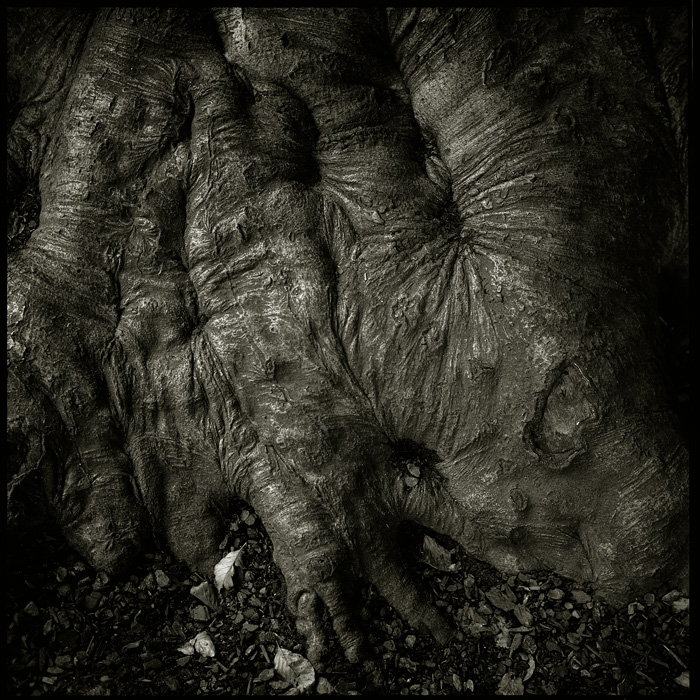
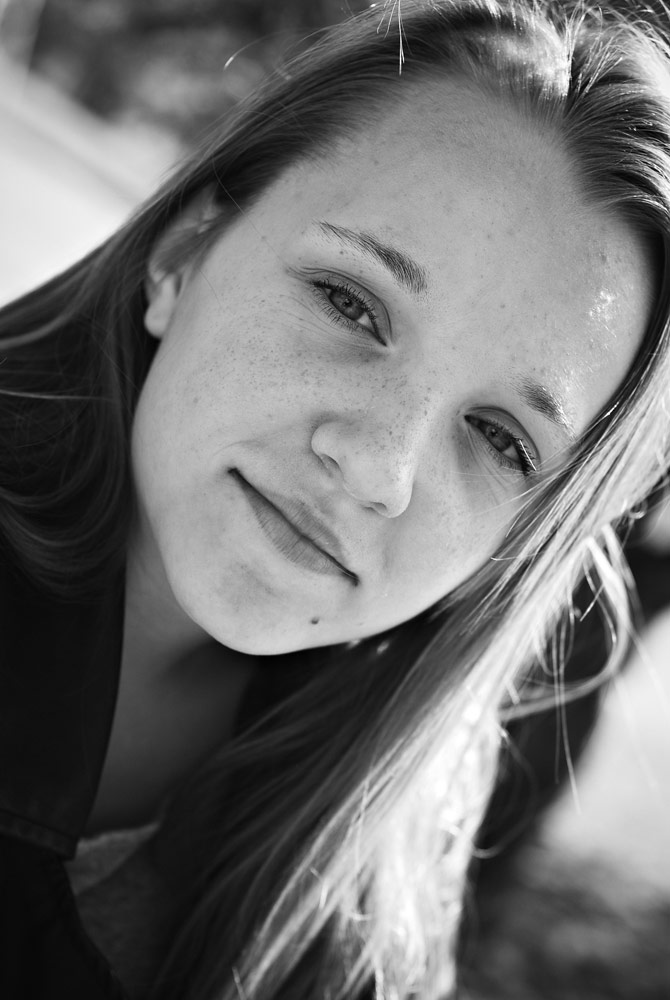
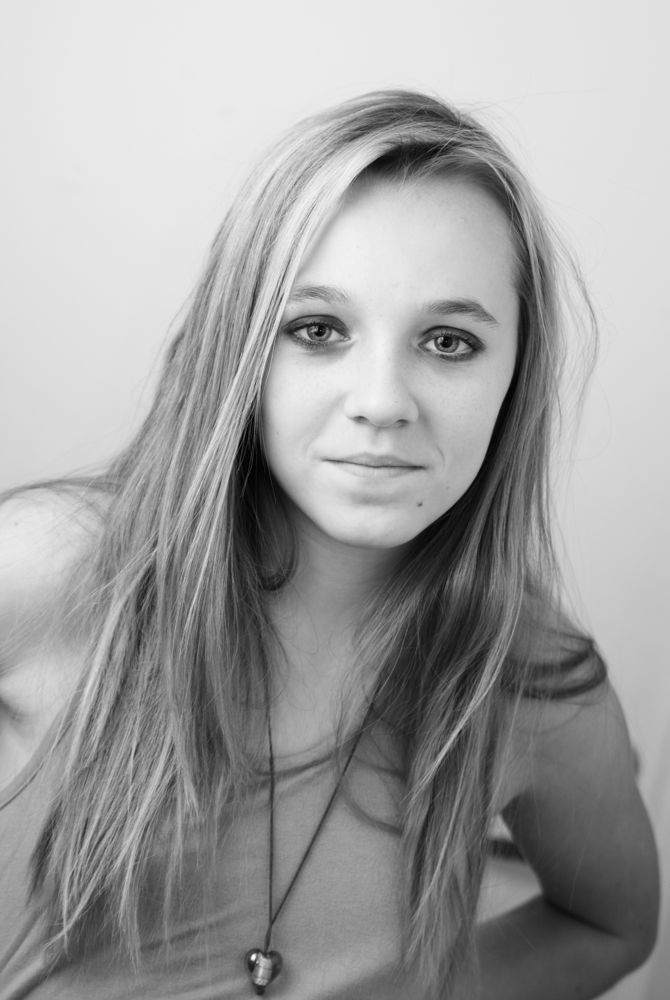
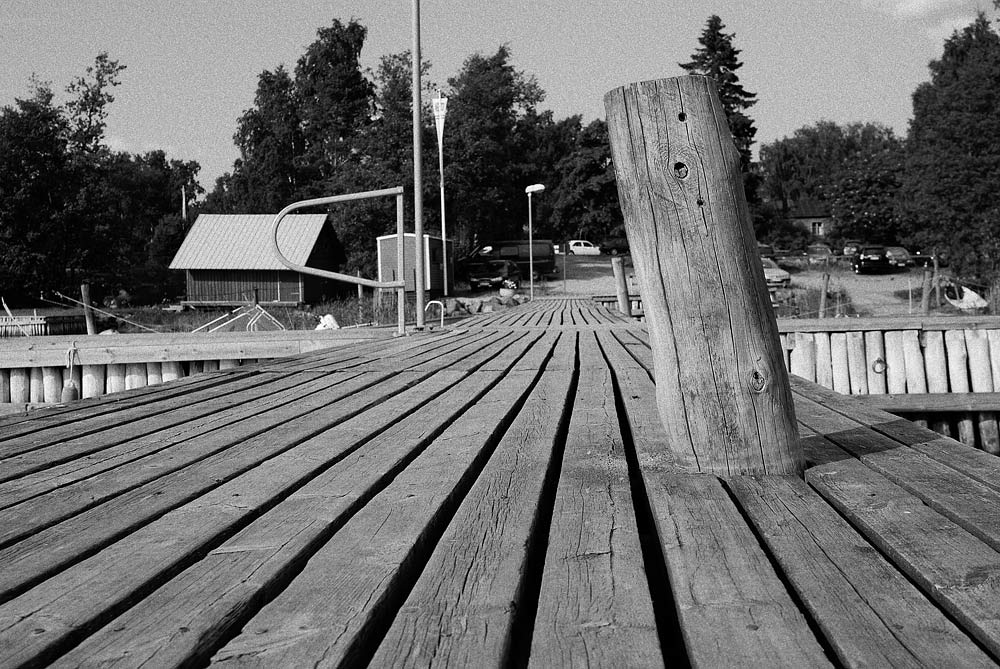
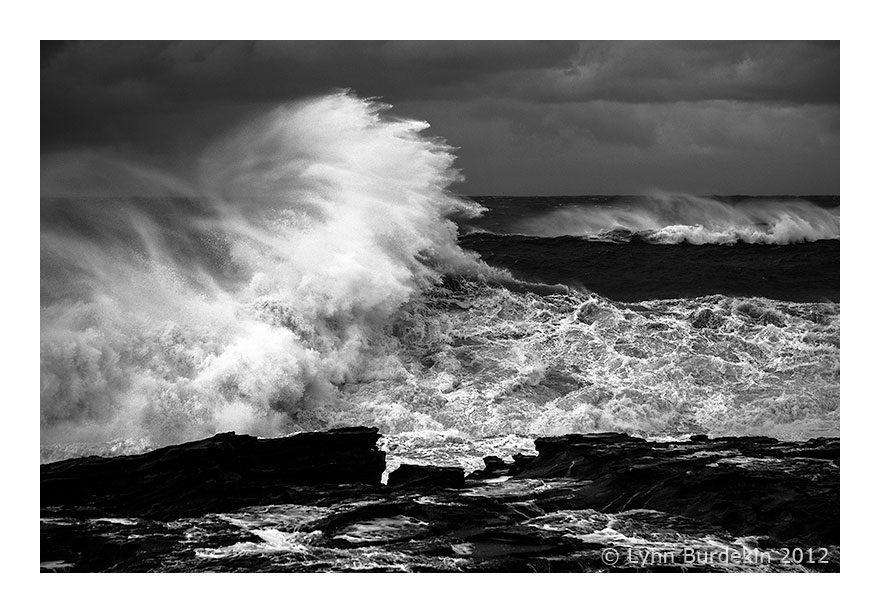
My approach to bw conversion depends on the original file, and the (most often pre-visualised) end result I want in a print - am I working with a dark and moody landscape on PhotoRag, or light skin tones in a bright portrait on Baryta.
I mostly work with LR4.1., exporting to CS4 for further adjustments, and very occasionally I use a plug-in called PhotoLooks. Before using LR I had mostly used Channel Mixer, and layered and masked Curves in CS.
With most files I start by adjusting saturation to zero, setting highlight and black clipping points and then playing with the development sliders to get an approximation of what I want. Often that means boosting contrast quite high and then raising the shadow detail. Use the Highlights and Lights sliders to control white clipping and roll-off. I also play with the colour control sliders to approximate the effects of colour filters. Sometimes checking the b&w button improves tone, sometimes not.
I use the brush tool for local dodging, burning, and other adjustments.
Lately I've been using split tones to provide subtle highlight/shadow colour contrast to bw prints. Also to convert to sepia.
Depending on the image, I may boost Clarity, mostly not exceeding 30%, and avoiding artefacts. I've started using LR's portrait or landscape presets for input sharpening, then adjusting as necessary.
Sometimes I add grain, but often I find higher ISO sensor noise is as good or better, if I can use it when shooting. I've always liked the look of film grain - digital can look clinical by comparison. When processing I try to avoid that clinical look.
After LR I export to CS4 and check if autotone improves the tone characteristics, and do any touching up with the healing brush. After resizing in CS4 I apply output sharpening and save a print file. I print from either CS4 or LR.