I think that you can, normally, break down black and white film to digital workflow into distinct stages.
1. Acquire the image - scan either as positive or negative and invert as required. At this stage I will convert the image to monochrome using a black and white layer, but leaving the file as rgb (I tend to use sRGB colour space for monchrome, buit Adobe or Jo Holmes Dcam3 work well too). I may use levels to set black and whitepoints at this stage.
2. Do any general capture sharpening required - this can be difficult with high res scans of black and white film, so I use a range of strategies. For fast film photokit emphasises grain too much, so I use a high pass/hard light approach with very low opacity application.
3. Curves, dodge and burn as required (typically using masked curves which give good control over contrast too). Any local sharpening (very film dependent - Acros has low enough grain to be useable in this way)
4. Toning - again typically suing cureves layers at reduced opacity.
5. Print as RGB using suitable profile - Ilford Gold Fibre Silk is linear enough that I typically print Black and White using a relative colourimetric map.
So stick with RGB. If you want to print pure monochrome use the B&W mode on the printer if the profiles give you colour casts, otherwise print in rgb.
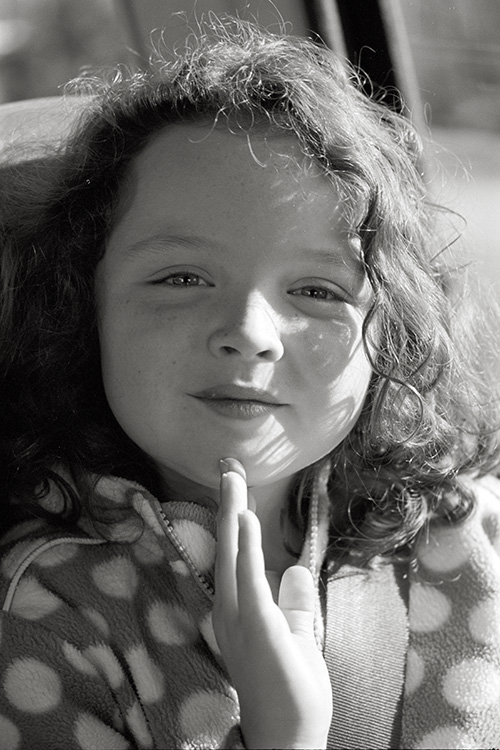
The image below had a bit of everything, plus some very limited highlight/shadows in PS. Everything on layers until it's finished at least.
Mike