tajart
ancien
with two recent excellent posts, shaaktiman’s “scanning tips” and dcsang’s “how to save for web viewing - pdf :d” i’m left wondering about recommendations for converting rgb files to b&w, and about embedding some kind of watermark in the image to prevent image theft.
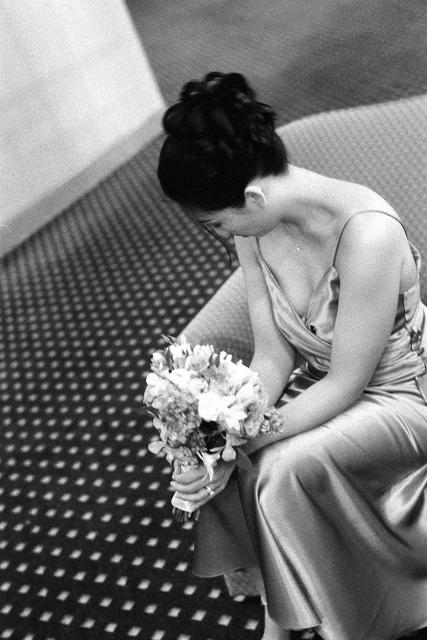
it seems the easiest method of converting rgb to b&w is converting mode to grayscale. does one get better results using channel mixer in the image adjustment menu? I would assume the differences are mainly noticeable in viewing a printed work.
is there a way to place something in the image that doesn’t show while viewing on the web but would show if someone were to print the image or use it without the artists permission?
it seems the easiest method of converting rgb to b&w is converting mode to grayscale. does one get better results using channel mixer in the image adjustment menu? I would assume the differences are mainly noticeable in viewing a printed work.
is there a way to place something in the image that doesn’t show while viewing on the web but would show if someone were to print the image or use it without the artists permission?