Results from my own testing
Results from my own testing
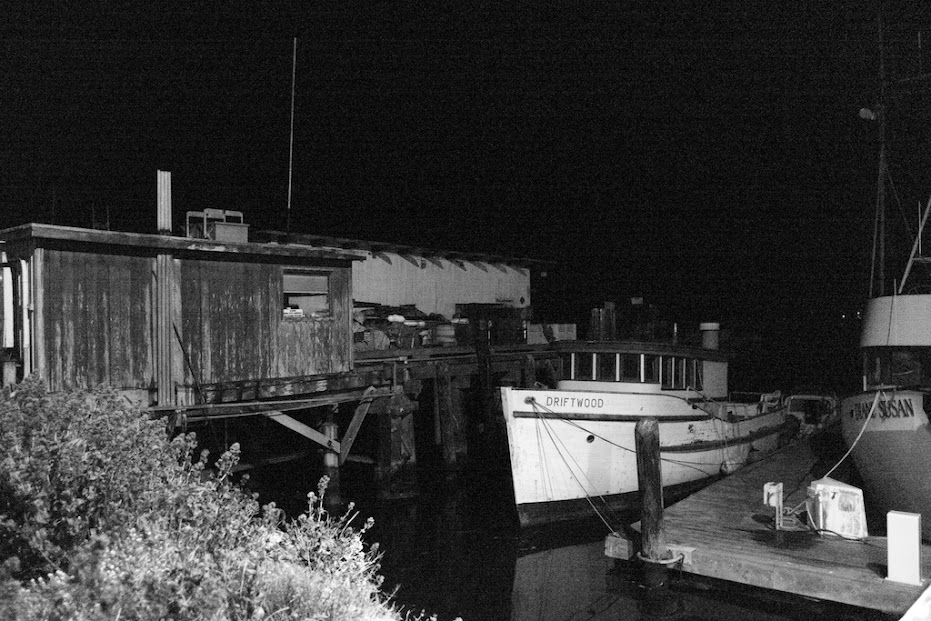
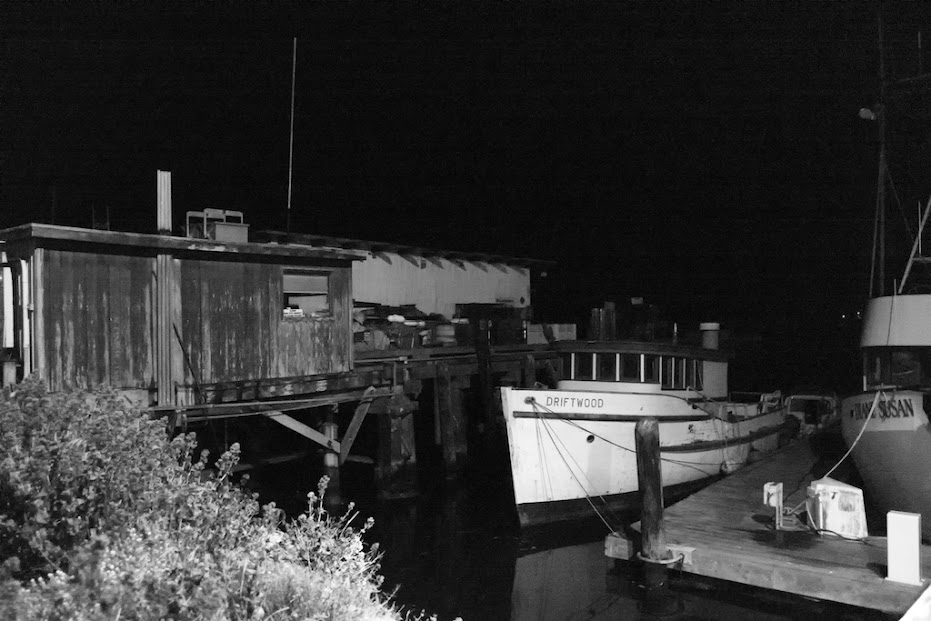
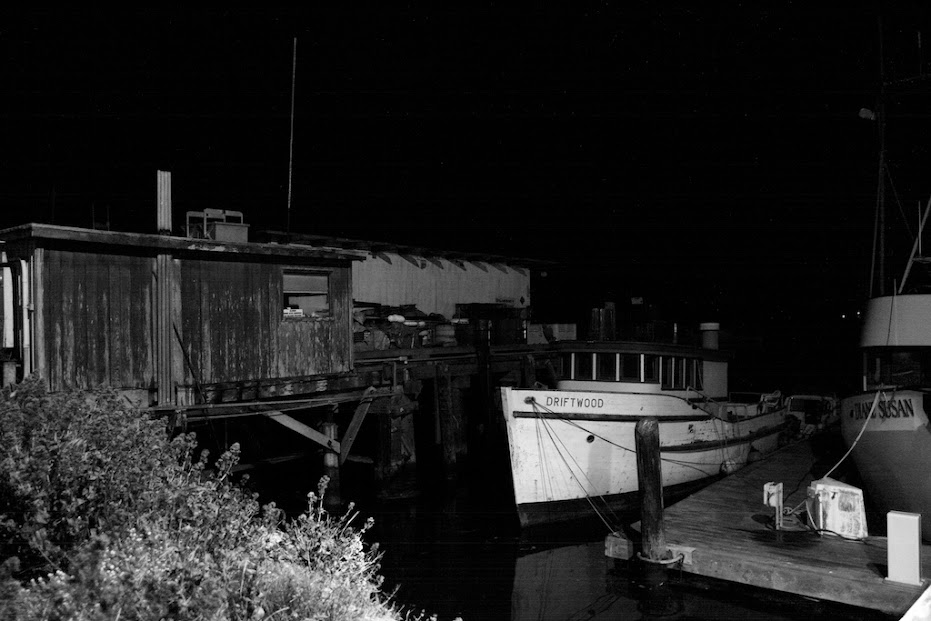
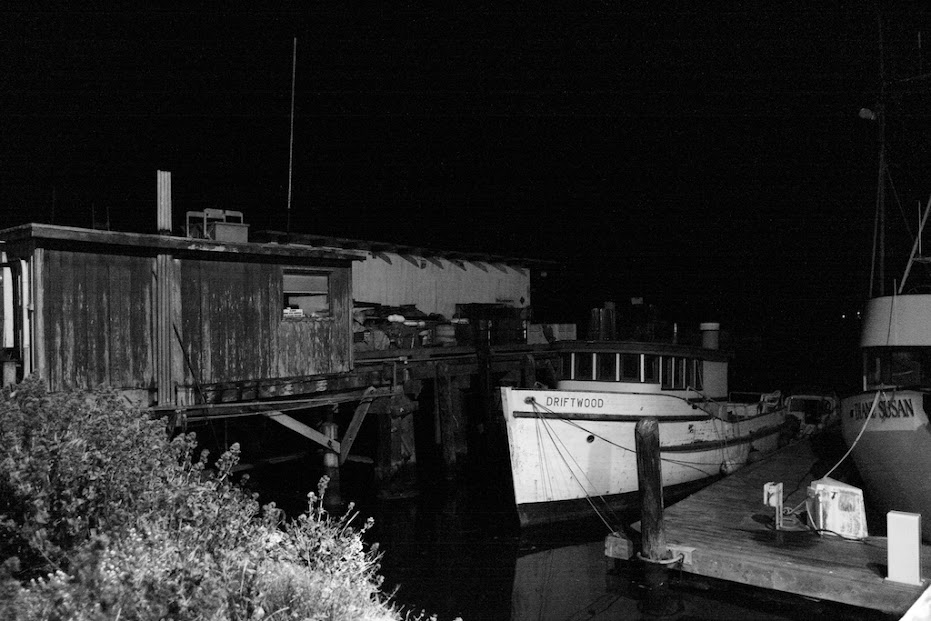
High ISO testing using a recent pic taken this week.. This was hand held at 1/15th so not going to be sharp picture to begin with.
Comparing the results from using DFINE2 with Noise settings in SPP set to -2 versus using various color wheel settings with various reference pics.
All pictures are from same RAW file converted to TIFF16. The shot was a ISO 4000 @ f2.8 and 1/15 second. No sharpening was done to any of these pictures or any other enhancements outside of what is mentioned for each pic.
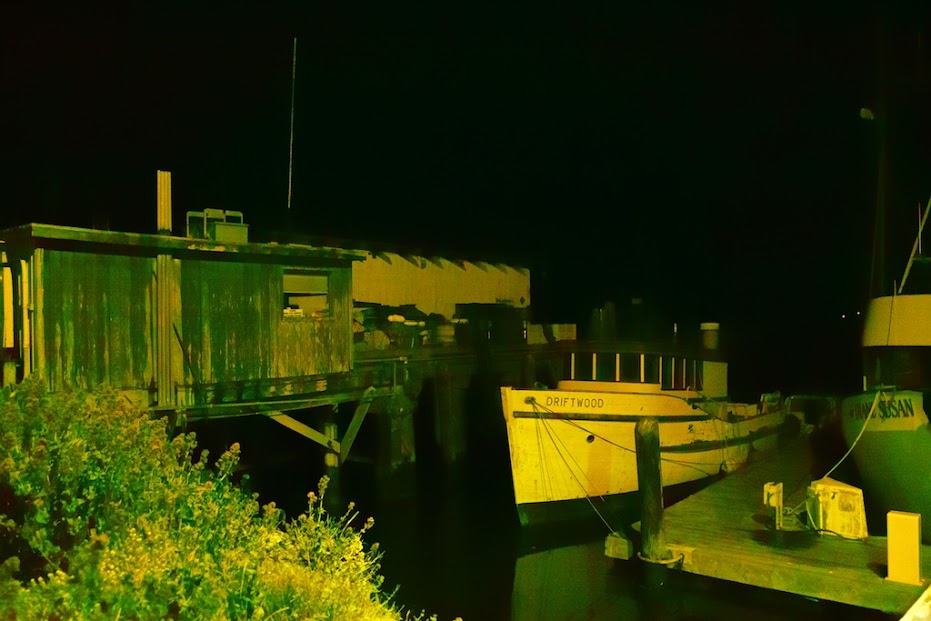
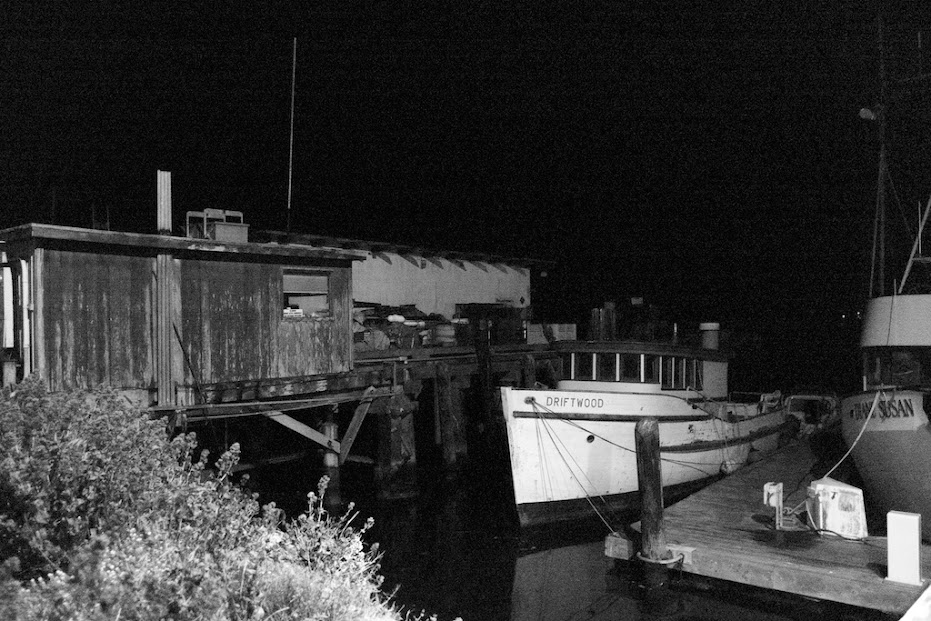
These were all taken around 9PM in Morro Bay. Overcast night, no moon, only light is from local business and whatever harbor lights were around.
These were converted from full size TIFF16 to max of 1024 JPG for use in web.
The crappy color shot. All the known color issues - default SPP values Luminous at 0 and Banding at 0 (L0-B0)
The same as above but Monochrom (L0-B0)
Noise setting changed in SPP to L -1 and B -1
Noise setting changed in SPP to L -2 and B -2
The L -2 and B -2 shot run thru DFINE2 - auto analyze setting
The L -2 and B -2 shot with color wheel set to Red 0 Green 0 Blue 100
The L -2 and B -2 shot with color wheel set to Red 19 Green 0 Blue 81
The L -2 and B -2 shot with color wheel set to Red 17 Green 20 Blue 63
The use of the color wheel does remove the noise caused by the effects of signal amplification of the Green and Red color receptors without the de-sharpening that occurs when u use a de-noise application such as DEFIN2. Using 100% Blue gives best results at expense of loosing some of the tonal range. So long as u can keep the other color receptors (Green and Red) to some lower number, the results to me, look pretty decent in terms of bringing back some tonal quality.
Anyway what do u think?
Gary
Ps. Looking at these shots from my iPad, hard to c the noise, but on my iMac it is pretty easy to c the difference.