Johnmcd
Well-known

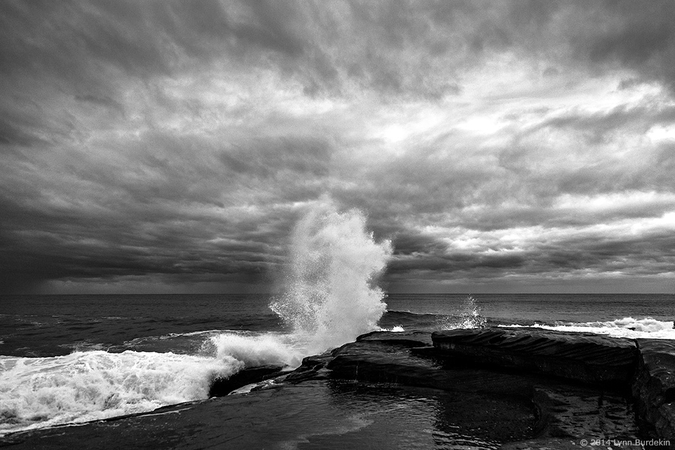
Very strong image.


Thanks, Lynn, for the mention, which I appreciate.
Dick, the simplest method is to look at the image and click onto EXIF. A panel showing exif data will appear, and if you look down the panel you will see "click for photo url". That will give you the url (address) for that image, surrounded by image tags. Select that address, copy it (ctrl c on a PC I think), and then paste it (ctrl v on a PC I think) into your post and you should be fine. The other way to do it is by clicking the "insert image" button in the post editor, which will open a dialogue into which you can paste the address of an image. This method will then add the image tags.
Thanks. I did this for both insert link and insert image and still ended up in the message with a line of text instead of an image. I'll keep experimenting!