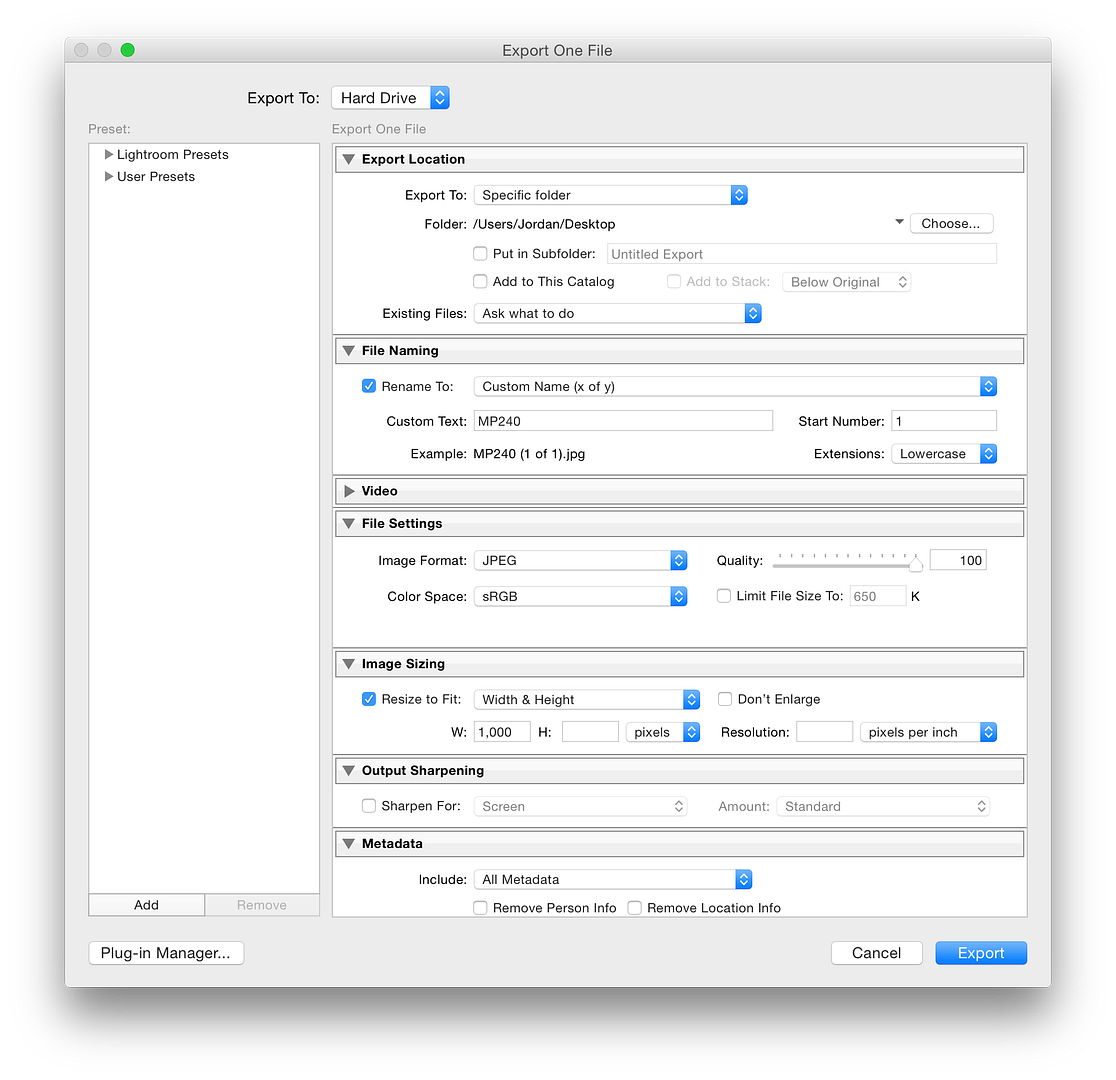
Thanks guys, it is the issue of sharpenss, I have tried a few different options with the output sharpening for screen etc. and its still coming out a lot softer from the export than it is looking in LR, in LR the images look crisp, but once out they just look soft and dull.
I am pretty adobe proficient, but cant seem to work out what paramater is cauging it, have tried a few different options with the export, could this be an issue with preview on mac as opposed to LR, adding softening?
Nothing "adds softening" unless you consider downsizing from 6000 to 1000 pixels itself to be a softening action (it is!). When you downsize that much (6:1), particularly in one step, you must add sharpening or the appearance of sharpness in the output will suffer.
For that large a pixel reduction step, and without touching the Detail panel in the Develop module, enable the Output Sharpening in the Export window to
High in order to get the best results.
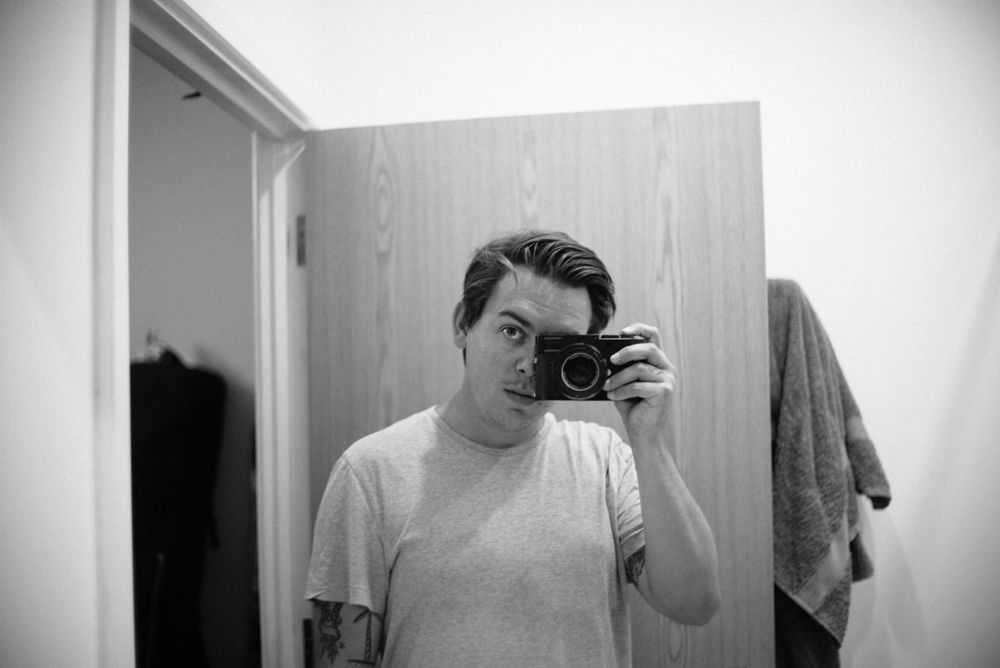
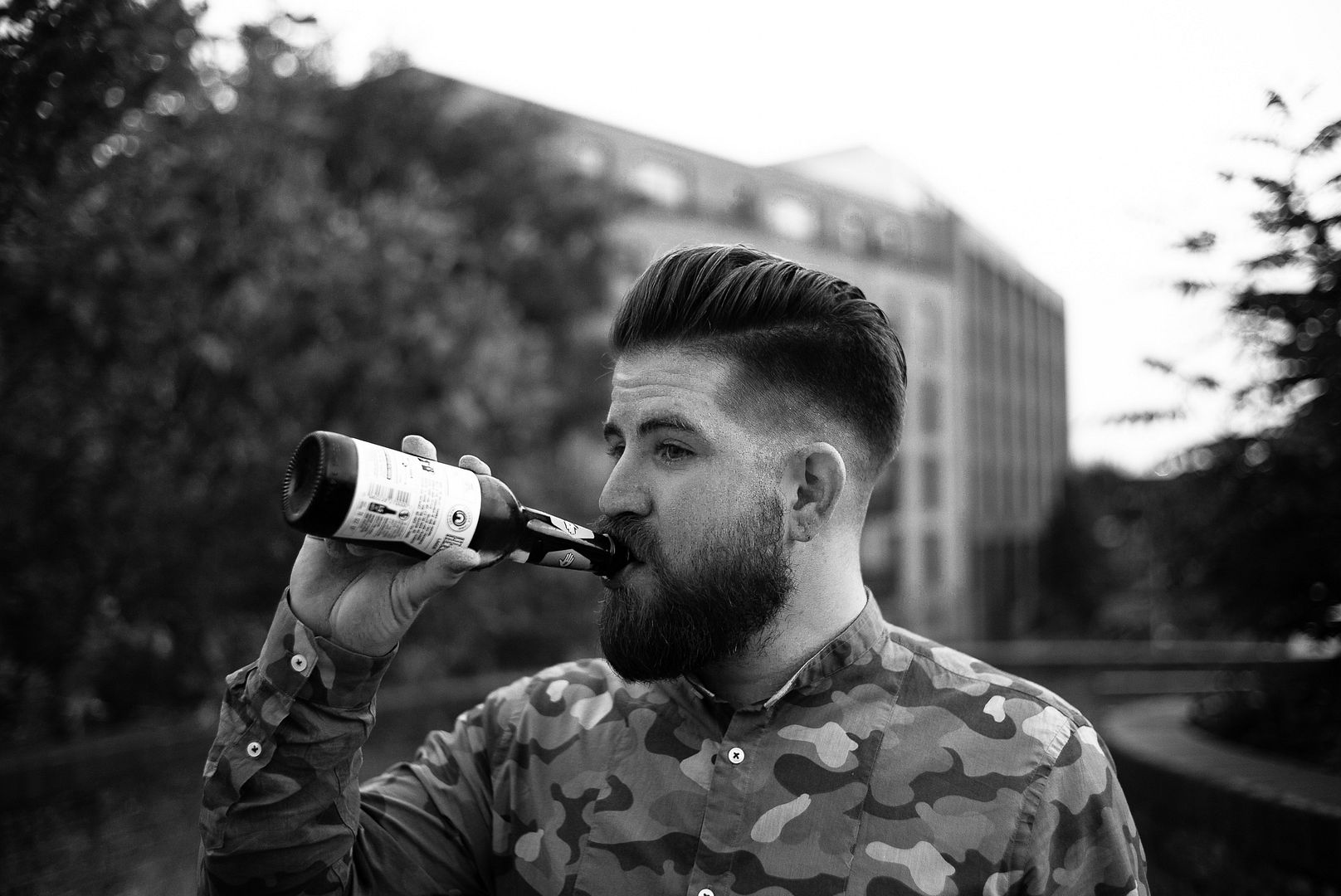
As a demonstration of the effectiveness of doing this, I set my M-D typ 262 (I was too lazy to pull out the M-P ... ;-) to ISO 1600, fitted a Nokton 40mm f/1.4 MC lens (which is what I think you were using from the photo you posted), set it to ISO 1600 @ f/1.4 @ 1/60 sec (what I think you were using from the EXIF data) and made a similar exposure. I brought it into LR, set it to B&W in the Basic panel (with a Tone Curve adjustment to get the values in line with yours), and then exported with your settings at no output sharpening and with high output sharpening.
Examining the full resolution image where I focused on the lens, I know I was properly focused:
Test-screen capture-100%
Here's how the two exports look ...
Test-no sharpening-01
Test-sharpening HIGH-02
To get an overall image that looks perceptually sharper at 1000 pixels wide would take a bit of tweaking in the Detail panel to the (input) sharpening. I set Amount to 105, Radius to 2.0, and Masking to 56, then output sharpening to Standard, for this result:
Test-sharpened (105, 2.0, default, 56)-sharpening STD-03
If you look carefully, you can see that this latter tweaking improves the 1000 pixel wide rendering by a small amount. (But I wouldn't want those settings to make an 11x17 inch print ... it will look a bit grainier and coarser than necessary.)
So: getting what you want when you downsample to a small JPEG takes some work when you're looking at a photo at 100% resolution in its original resolution. You need to experiment and juggle settings until you find an acceptable balance that suits your eye, and understand that alternative settings for sharpening—both input and output sharpening—are needed for best results in print and on-screen renderings.
(Of course, if I wanted my face to be sharper as well, I'd need to stop down to f/4 or so ... DoF at this focus distance with f/1.4 is amazingly shallow even with a 40mm lens!)
G
(... and, my gosh, what a grumpy looking face I make when I'm squinting through the viewfinder ... ;-)