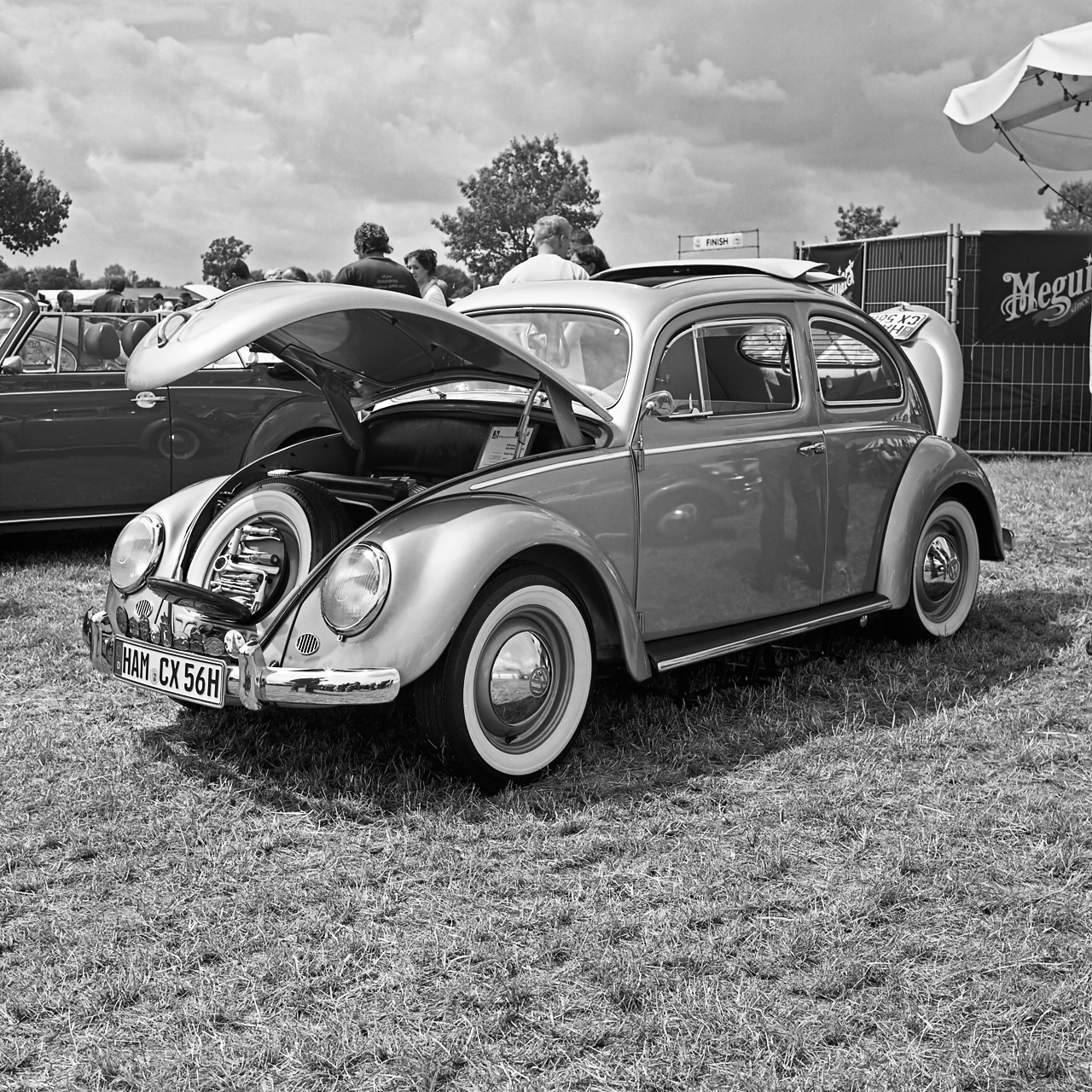
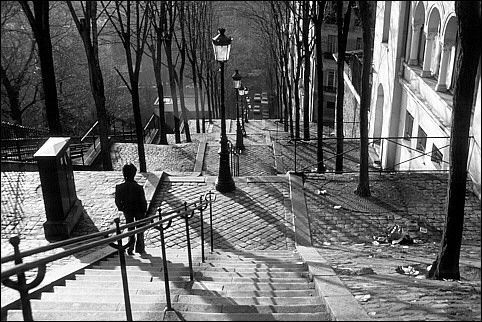
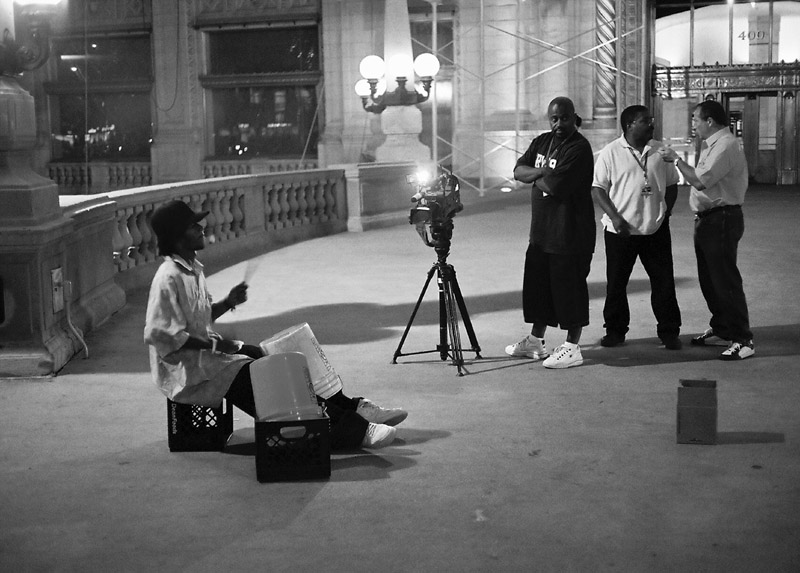
If you are willing to experiment a bit with conversion methods (it's not rocket science) the results can be surpisingly nice. C41 is smoother than films like FP4+ and Tri-X.
Usually I go this route when the light is really ugly, e.g. with fluorescent lighting.
Here's one from Fuji Superia 200, Nikon EM:
And an example from MF, Fuji Superia 100, Yashica Mat 124:
And perhaps those that do will share their method. In my case, I shoot C41 Ilford XP2 exclusively these days. But some of my older shots were color, converted to grayscale.
The method I use is to convert the RGB image (after scanning with Nikon 4000ED) to Lab mode, then discard the a & b channels, and finally convert to grayscale. Of course, starting with color rather than the B&W presents other options in PS.
All of the shots in Folio2 on my pbase site are from XP2.
My family insist on colour for the holiday snaps, so I do that all the time. Fuji superia 400 normally, scan as a tiff, then in layers do, desaturate-levels-curves-(or whatever it needs) in Photoshop, flatten and send off to the printer.
One can get some nice results with care, this photo was more to do with the light that morning any film would have been OK
This site uses cookies to help personalise content, tailor your experience and to keep you logged in if you register.
By continuing to use this site, you are consenting to our use of cookies.