Workflow for scanning negatives is very easy - you make a photo or scan in linear gamma 16 bit and apply log curve (I can send) then invert and set black/white point convert to 8 bits. For most films this is all so only three steps. Some films require midtones correction with levels or curves eg. Ektar has too much magenta. All depends on scanner spectral response too. If your photo is in gamma 2,2 space (windows) then log curve approx. is gamma 3 so you need add gamma 0,8 (lighten image). I wrote plugin in 2004 for that that works in older PS.
Orange mask removal through mixing light or exposure is a good thing that maximize bit depth and prevent banding.
Here is inversion curve from gamma 2,2 image into log space so you can apply in any Adobe application and set black/white point. Two steps only.
https://drive.google.com/open?id=0By...Uxsend6LTl2eGc
Jack, thank you for comments on gamma vs log and your offer of the custom curve. I have been thinking about this since your first comments.
My concern had been that the gamma transformation of digital data would mess up the inversion from negative to positive.
Your comments raise a different hypothesis: that gamma in digital is not a problem, but the non-linearity of film IS a problem.
Here's a line I think is suggested by your comments:
- Film has a very non-linear response to light. While the characteristic curve has a segment linear in log-log space, even in that range it's quite non-linear in the base variables (scene brightness vs. light transmission of the resulting negative).
- My camera scan of the negative is linear. RAW capture counts photons linearly, even though all our software applies gamma when displaying an image.
- If we invert the camera-scan directly, we'll get unwanted tonal changes.
- The "righter" way is to apply a non-linear transformation to the camera-scan RAW file before or during the inversion.
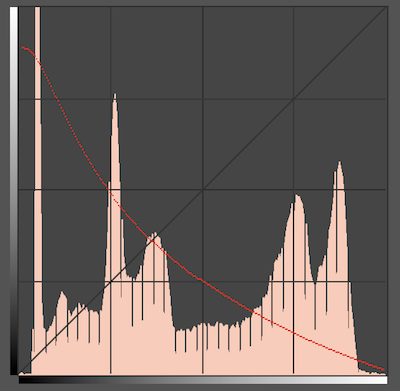
Jack provided us a Photoshop curve that applies a non-linear transformation and inverts. I haven't tried to validate the curve, instead I've simply tried using it on images.
Jack's curve looks like this (the red channel curve is shown, blue and green are similar, ignore the black line).
Here's a process that would follow from above:
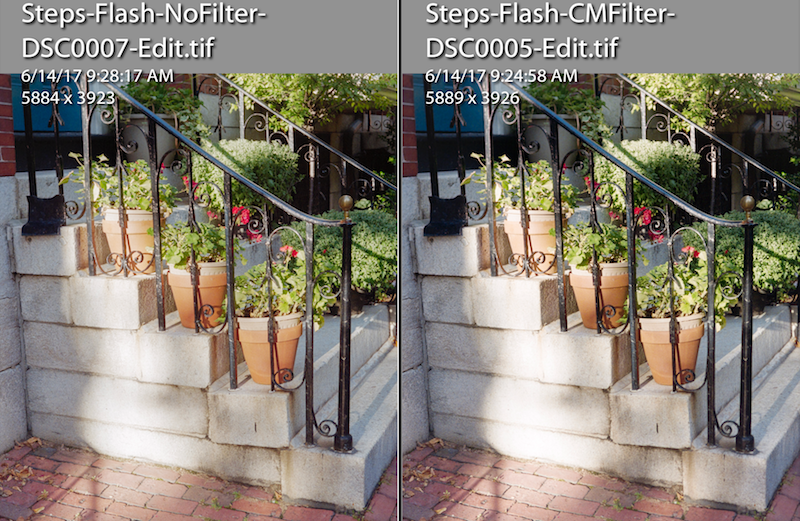
- Illuminate a color neg with +50 Cyan +15 Magenta using 5000K flash
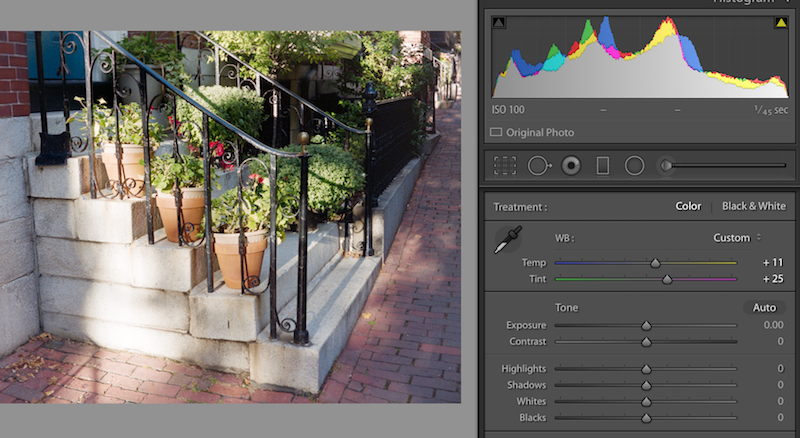
- WB from rebate (it is 4350K and -8 tint with my setup, with one typ film)
- RAW conversion with default settings
- Set White and Black points in PS (Levels)
- Transform and Invert with Jack's curve
- Curves Option-Auto with Huss's options: Find Dark/Light, Snap Neutrals
Over next couple days will make some comparisons, but initial tests appear promising, possibly better than the other's I've tried.
Thanks Jack and Huss for the tips.