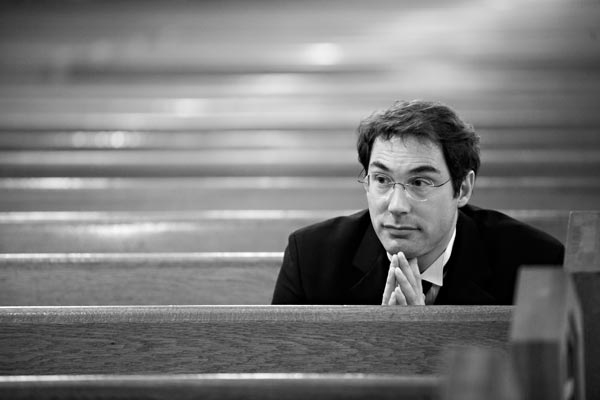
I use the Channel Mixer method (along with Rich's duotone after the fact) to get what I want out of my colour to B&W images.
I use this for my digital stuff - I shoot B&W film for my RF stuff
😀
Here's the steps to convert:
Open image
Image => Mode => Lab Color
Select => "all"
Channels => select "a" channel => delete
Channels => select "b" channel => delete
Channels => select "lightness" channel
Image => Mode => Grayscale
Image => Mode => RGB
*Adjustment Layer => Levels => red channel 5, 245 (do this for the blue and green channels as well)
*Set Adjustment Layer to "Overlay" and reduce opacity to about 23%
Layer => flatten image
*Filter => Unsharp Mask (20, 60, 4)
Anything with the asterisk (*) is where you can "tweak" your image to look how you like it to look. Filtering may not be necessary; I have it in there but to each their own.
The differences are shown here (the second one is just to show a straight RGB to Grayscale conversion) - I have not duotoned these images and this is a quick example but you can tweak it to get what you want better than straight grayscale conversion.
Original in colour:
Grayscale conversion:
Channel Mixer conversion:
Cheers,
Dave