leica films and dslr scanning

Ok, I've got a quick question...Is there an advantage to using a macro lens in the negative enlarger set-up over using an actual enlarging lens? I was looking over a manual for a Omega c700 enlarger (a lot available on eBay) and it says the minimum "magnification" for the c700 was .55 with a 50mm enlarging lens. So, if you had a reversing adapter on the front of the enlarging lens and then attached that to a DSLR you could get the needed mag of .65-.67 for a crop sensor. Does this make any sense?

I know dedicated scanners come up on eBay quite often, but a Nikon Coolscan is not cheap and I think I could rig up this enlarger set up for less than a Plustek. Anyway, it is fun to fiddle with contraptions like this.

In my many experiments with macro photography, I tried a lot of different lenses including enlarging lenses. Enlarging lenses seemed to do best in high reproduction ratio capture, that is, flat objects being imaged at 2:1 to 15:1 magnification. This might seem logical as they are designed/optimized to image flat field subjects (say 35mm film) to flat field targets (paper) in this range.

Dedicated camera macro lenses work a lot better in the 1:1 to 1:4 magnification range. Generally speaking, the capture of a 35mm negative to a digital sensor is 1:1 for 35mm negative to full-frame sensor and about 1:1.5 to 1:2 for 35mm negative to APS-C sensor.

Older, manual macro lenses for Nikon, Canon, Pentax, etc mounts are workhorses, often some of the best lenses in the manufacturers' range. They go for very reasonable prices on the used market given their quality.

G
 
I would say experiment with what you have and see if you're happy. I used a Rodenstock Rogonar-S enlarging lens on a PK-13 extension tube (with LTM to Nikon adapter) for some time after comparing it with my 55 Micro Nikkor. Recent tests have shown the 55 Micro as more contrasty and my new 40 Micro as more contrasty again. This may have something to do with the age and cleanliness condition of the lenses, as well as the amount of time they have spent in damp darkrooms. The new 40 Micro offers auto-focus and auto-exposure on the Nikon D3200 body, which speeds things up too. Sentimental picture of now-retired Rodenstock lens taken by the 40 micro:
pk13_rogonar.jpg
 
When I set up my rig I tested a bunch of lenses. Even a dawn of time micro Nikkor beat every enlarging lens on contrast by so much that I am wondering how they'd work as enlarging lenses. At near to 1:1 sharpness was better too, but that's to be expected, as enlarging lenses aren't designed to function in that range.
 
mark 2!

mark 2!

So this is my mark II :

U54266I1377541787.SEQ.0.jpg


A durst M670, turned on it's head.
I use the 6x6 condenser, as the 36x24 one showed serious light fall off in the corners.

the camera sits on a tripod head which is screwed to a flash bracket, which is held at the right distance from the post with a block of wood and a clamp.

I have trouble with dust. The negative mount allows you to choose between two metal gates and one newton-ring treated glass plate. Only one of the metal plates has a bigger hole than the negative, the other one crops more or less like a slide mount. So if I want to work dust-free, I have to crop, and if I want the whole negative, I have to use the glass, and then I have dust.

So if anyone should have a Durst 'SIVOMA' 35 negative gate lying about, please send a message.
I might have to file down the 'SIXMA' gate, so it matches the bigger one, but I am not sure about how good I am at manually filing metal to those precise specifications. A second sivoma would be great.

I have an M670 color enlarger lying about, and I am wondering if I could use the colour head to filter out some of the base film color in color negatives...
 
That's a good-looking Mark II, Lukitas,
If only it was possible to get two enlarger mounts on the same column it would be easier to mount the camera! I did use the filtration from a colour head to good effect with slides that were a long way off with colour temperature, but haven't tried with colour negs. I find it too hard to work out colour neg filtration with the orange mask. I have been successful filing out the negative masks by hand with a small flat file. It takes some time...
 
Thanks Mcfingon.

I've just unscrewed the column from the base plate, and clamped the whole thing horizontally on a table. Much easier access to the camera.

Here are some tests, with old and sometimes iffy negatives :

U54266I1377624192.SEQ.1.jpg


U54266I1377624192.SEQ.0.jpg


med_U54266I1377624076.SEQ.3.jpg


med_U54266I1377624076.SEQ.4.jpg
 
Lukitas,

I handle the light fall off in lightroom by selecting the proper lens corrections. Works fairly well. My biggest problem is dust, and the curvature of the negative. I try to balance my focus of the 50 mm lens somewhere between the middle and the edges. It is a compromise at best. Perhaps I could mount the slide in glass mounts, but then it would take me forever to scan a box of 144 slides. Oh well, I will keep ploding away and hopefully find ways to improve my technique.


Thanks for all the info.

Akitadog


thank you Akitadog

While it is true that a dedicated scanner will deliver better results, the dslr-macrotube-enlargerhead set-up is significantly cheaper. When done right, the results can be nearly as good as a coolscan.

If you build your own set-up, you can avoid a lot of dust if you don't use a glass plate to rest your negatives upon : air both above and below the negative make it much easier to blow the dust away. Pointing the emulsion towards the lens eliminates one layer of transparency between the negative and the copy. And if the negative should keep some of it's natural curve, when pressed flat by its' sides, the curve is in the direction of whatever spherical aberration remains in some lenses. I suspect that is why my 18-55 dx zoom works so well in my set-up.

One could even try to even out the light fall-off in the corners of some lenses : the negative will be a little less dense in the corners, so reproducing that same light fall-off in your light source should even out the scans. But that is another fiddle. And for a given lens, fall-off will vary with the aperture used, so that makes it very fiddly, except if one is slightly obsessive-compulsive.
 
I really like your photos Lukitas,
both these ones and the earlier ones you showed with your people in the streets shots. It's very different to where I live! The old and new film shots I have been working on with the Mark III are on the web now at:
http://members.iinet.net.au/~fingon/mckinnon/dumbleyung/return_to_black_duck_site.html
I work around the focus changes issues with autofocus now on my 40 micro lens by pushing the focus spot to the area that I want to be sharpest. I don't think I get much noticeable light fall-off with the Meopta Opemus head I am using because the condensers are huge.
 
(snip):
http://members.iinet.net.au/~fingon/mckinnon/dumbleyung/return_to_black_duck_site.html
I work around the focus changes issues with autofocus now on my 40 micro lens by pushing the focus spot to the area that I want to be sharpest. I don't think I get much noticeable light fall-off with the Meopta Opemus head I am using because the condensers are huge.

That is a great series. nostalgia!

And yes, autofocus is a boon. Put the spot on some high contrast,and boom : spot on. lovely.
For light fall off, the 35mm condenser lens was bad. The big six by six is much more even, but with a thin (underexposed) negative, it is noticeable. The negative border should be the blackest part of the positive, but if I get full blacks inside the image area before the borders go black, there must be some light fall off present. It cannot be very much, because it doesn't happen with (slightly) overexposed negatives.
I do get the impression that it is easier to 'save' a sub-par negative in the digital darkroom than in the wet, but it has been a very long time since I last smelled developer and fixative.
 
Ruminations on post-processing.

Ruminations on post-processing.

I started out over-exposing the negatives about one stop. Looking at the histogram on my 'NIKON D3100 LCD SCREEN', I noticed that most of the information was on the left (the dark side!), so I over-exposed one stop more, and half stop more, so I got a nice mountain in the middle.
Wrong! :bang:
The lighter tones (the dark ones on the negative) were getting a little bit better gradation, but the dark ones (the light tones on the negative) were getting all caked together and posterizing. Apparently, I can get only part of the density range of the negative, into part of the density range of the DSLR sensor. Troubling.
At first, I was using photoshop to open the raw files, set the white and black points, and then flip and invert them before importing into lightroom, so I could see what I was doing setting the tones and stuff. Then I had the good Idea to google 'neg's in lightroom', and found an elegant solution : in the 'tonecurve' panel, flip the curve to linear, pulle tthe black up to white and the white down to black : hey presto! one positive negative.
The trouble is that all your toning sliders now work the wrong way round, and the burn and fall-off previews that you get with the alt key pressed sit under a different slider than the one you're using.

Anyway : here are some of the latest, M3, Summitar, HP5 rated at 400, negatives shot on D3100 with 18-55 DX-nikkor set at 50 mm on a 12mm extension tube :

U54266I1378573651.SEQ.1.jpg
 
I have a similar experience - gotta be careful overexposing on TMY400. However I still get a nicer histogram distribution erring on the side of overexposure than underexposure. Also I find it easiest for myself to batch-invert 5 or 10 negatives at a time by
1. loading into Lightroon
2. selecting 5 to 10 negs
3. right click and open in photoshop
4. invert (Command-I) and save
5. the inverted negatives are saved in lightroom as positives where I can then set my white and black points and process as needed.

Not sure if this is the most efficient way to go about it, but it's the workflow I've settled into for now. And the sliders in lightroom behave correctly (aren't backwards)

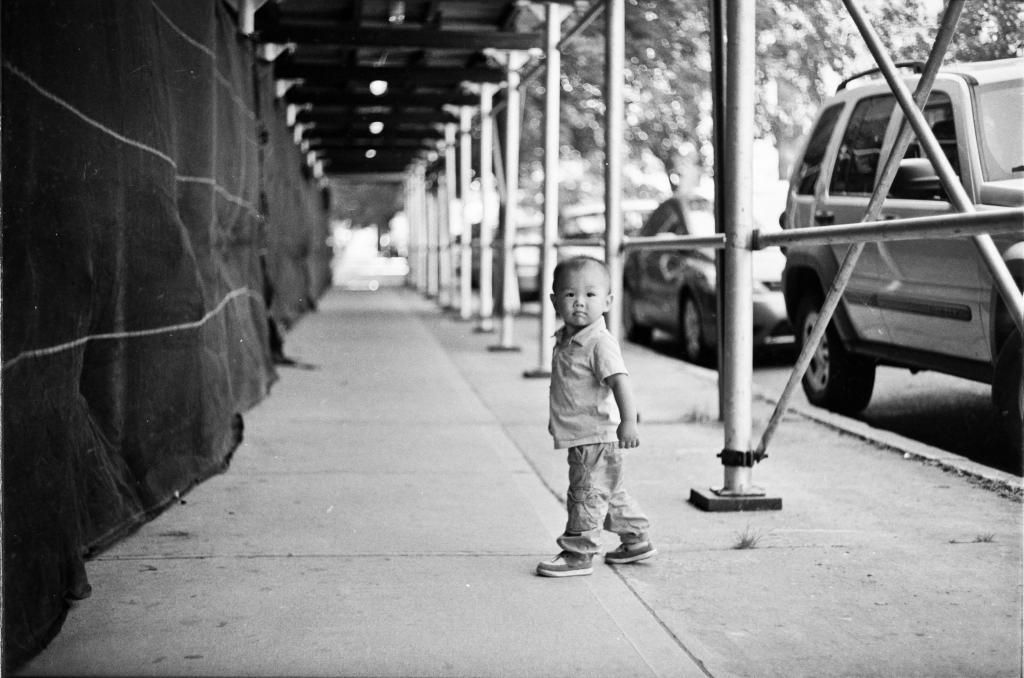
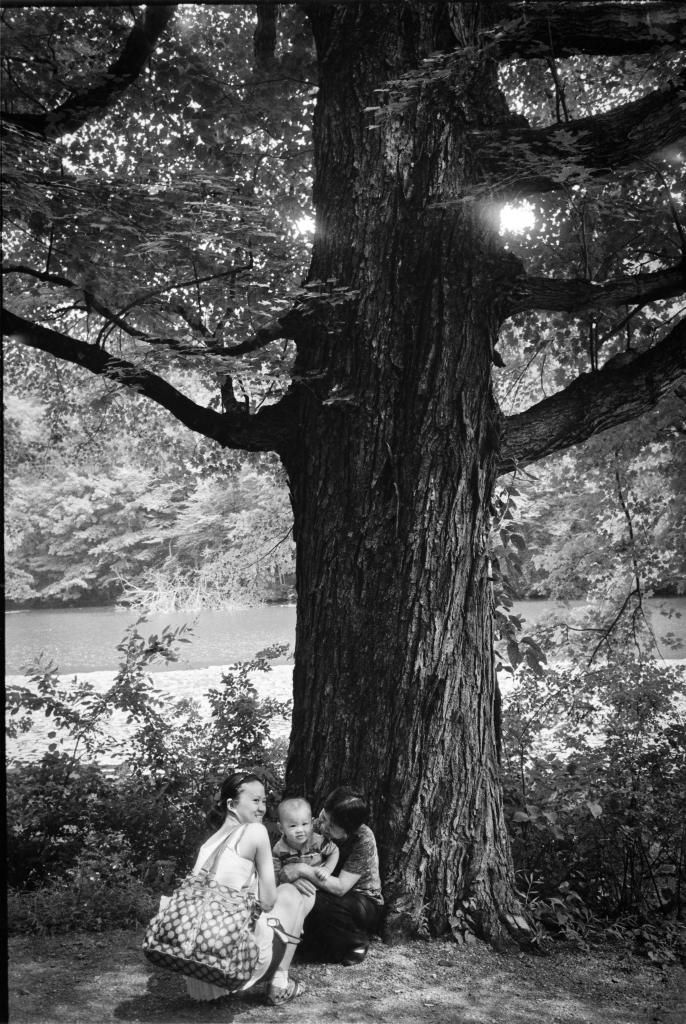
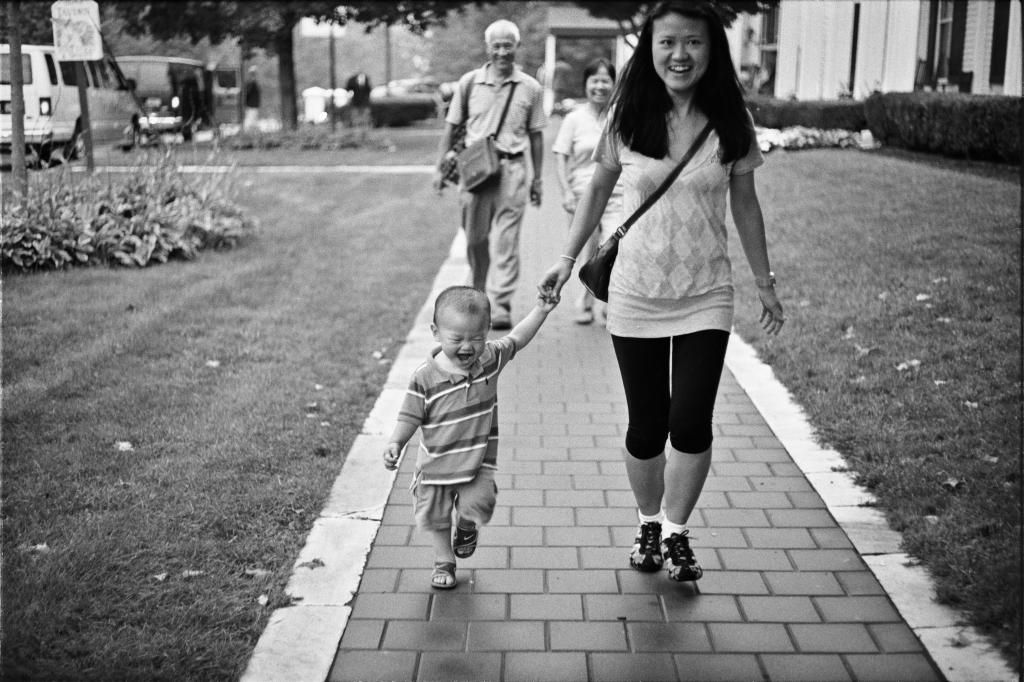
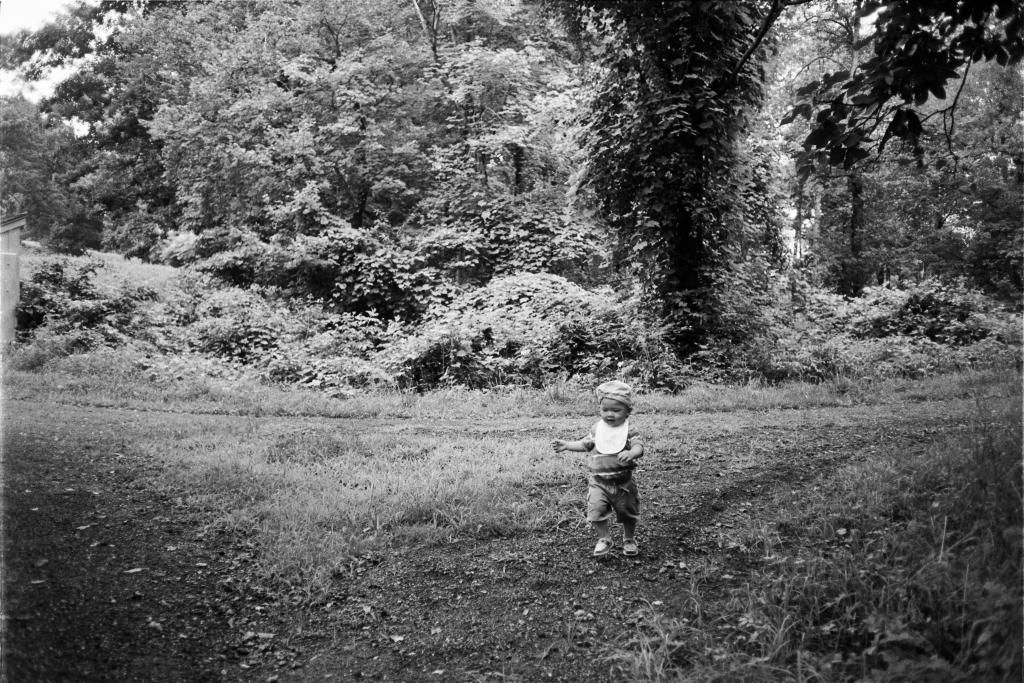
EDIT: hope you don't mind me adding some photos of my own. These are DSLR scanned as well (Copier details: 1ds MKii, Canon FD 50mm f3.5 macro @ f8, window light [keeps the color balance in check; I tend to correct color balance before conversion to grayscale thus avoiding any issues with tonal compression])

I admittedly tend to favor contrast lately over shadow detail and these photos reflect that. There is plenty of detail should I need it...
Photos: TMY400 & Summaron 35 / Summicron 50 DR
ZE4W7615-Edit_zpsd14f500f.jpg

ZE4W7596-Edit_zpsc5b9d7d2.jpg

ZE4W7714-Edit_zps2450c833.jpg

ZE4W7580-Edit_zps7f829777.jpg
 
Thanks! These photo's are great! Very good tone.

Please do add pictures to this thread, the more the merrier. Makes it interesting to look at.

I like your trick of importing in lightroom, and then inverting and saving the file in photoshop. Files remain in one place, and the sliders go the right way round : perfect. Does photoshop save a .nef file to a .nef?

Just one more, to show how much (or how little) I can drag out of a negative : (I over-exposed the scan of the negative by one stop, according to the matrix metering of the dslr. The scan was inverted by the tone curve in lightroom, and then set to white and black point using the wrong sliders.)

U54266I1378678295.SEQ.0.jpg
 
Very nice. I get similar sky tonality. Honestly I feel the negative has more info than I extract. Just curious, do you use yellow/orange filters? I am thinking about buying a set of orange...

Also have you tried any HDR-esque techniques with the DSLR in order to extract more range out of your negatives? I again have contemplated but not tried.
 
Also have you tried any HDR-esque techniques with the DSLR in order to extract more range out of your negatives? I again have contemplated but not tried.

I have, partly, and I don't feel it adds much. As the histograms were leaning to the left, I mostly watched what happened at different levels of over-exposure (of the scan, of course) If I use an under-exposed scan, I might get a little more in the blacks, but I doubt it. Have to try. As it is, the histograms show flats on both sides, which means that not all the available shades of gray have pixels on them. There must be something out of whack. Is film really that poor in gradation?
 
Last edited:
I learnt a few more things.
'Active D-lighting', nikons version of in-camera HDR, may be helpful in real life photography, but it isn't very good for scans of negatives.
After a bit of testing, and a lot of back and forth between the enlarger and the computer, I found I got the best results by setting the dslr to two stops overexposure. At one stop over, the highlights are a little washed out, and at three stops over, the shadows begin to posterize.
I tried to HDR two negatives, with two stops difference between them, but I couldn't get anything useful from the HDR module. Maybe I'm just incompetent.
With a well exposed scan, I set the white point to the border, and the black to the darkest pixel their is. It is best to set the white and black points when importing in Photoshop, when the files are still negative, then flip and invert, and only then import the files into lightroom, as this gives more leeway when editing tones in lightroom. Usually, setting black and white points brings me very close to the final result. I may have to push and pull the shadows and highlights sliders a bit, and then do a little spotting, but that's it. No sharpening, and I'm wary of clarity.

U54266I1378849817.SEQ.1.jpg


U54266I1378849816.SEQ.0.jpg


U54266I1378849818.SEQ.2.jpg
 
Last edited:
I managed to make a scan look very much like a wet print I made a quarter of a century ago. There is a bit of softness in the corners and around the sides, but how much of that is due to the scanning lens, or the curvature of the negative, I don't know.

U54266I1379006316.SEQ.4.jpg
 
Last edited:
9754950674_db2f7613e1_b.jpg


Scanned this using my D7000 + 40mm Macro lens + used lightbox i got from BH ( 10 bucks )

Tethered and Processed under Ligtroom.
 
Back
Top Bottom