So I've been playing with the demo for the last couple of days and have to agree this is a fantastic piece of software. And something I really wanted for a long time, to be able to stay in lightroom as much as possible and not having to create bloated (make) tiff files for every single photo.
After testing quite a few actions for photoshop and buying Colorperfect, Colorperfect was the definative winner for me, although hard to understand all the options and the design. But Negative Lab Pro gives at least equal and for many photos I've tested so far a better result with a much simpler interface.
One thing I would really like to see added to the plugin is a white balance dropper just like lightroom. For some photos there needs to be fiddled with the color sliders quite a bit to get rid of a colour cast, and a dropper would speed this up a lot.
This is probably very complex to make, and I understand there is the possibility to make a tiff copy to edit further in LR (or PS), but as I mentioned before I'd prefer not creating tiff files when possible.
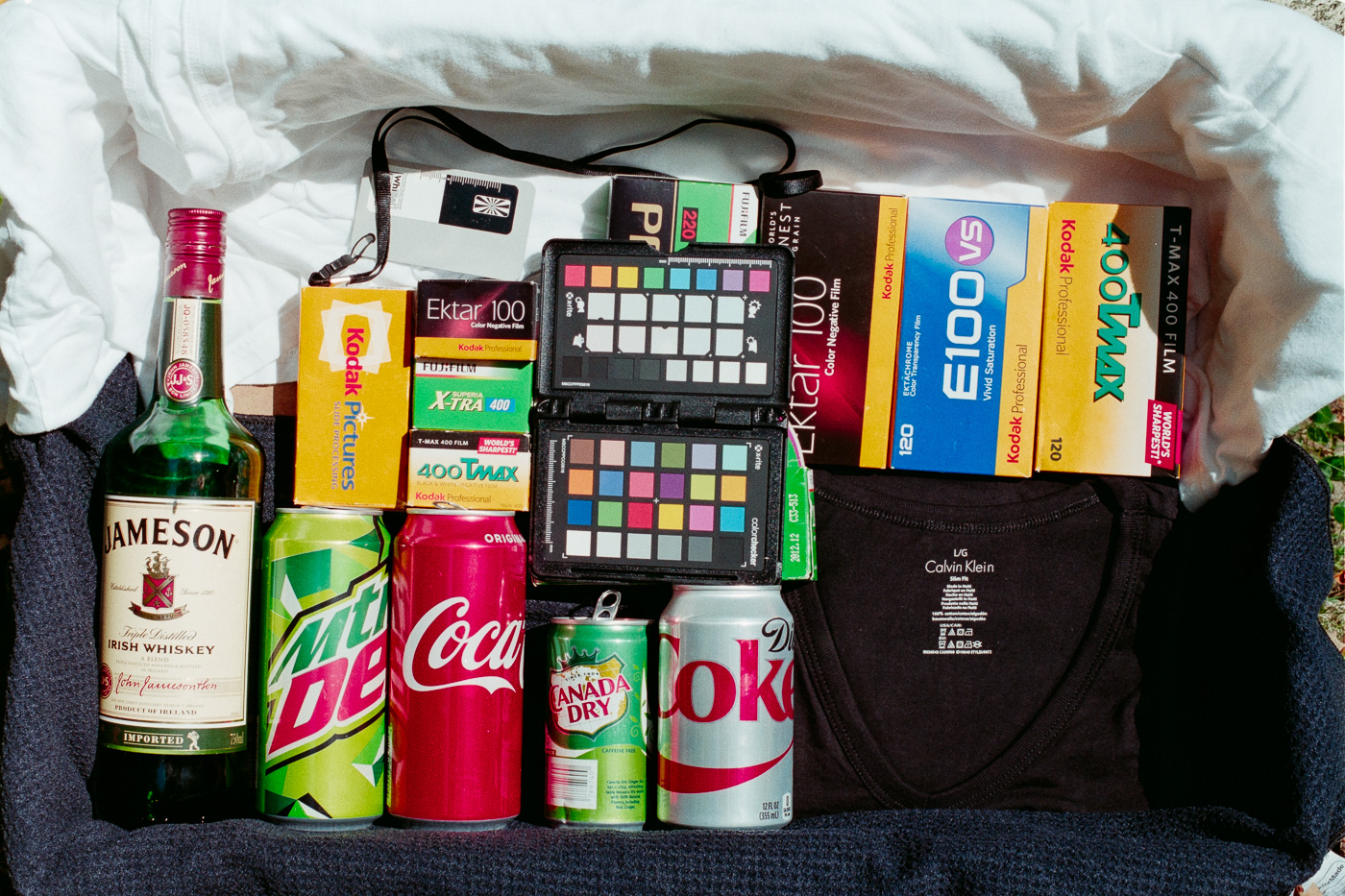
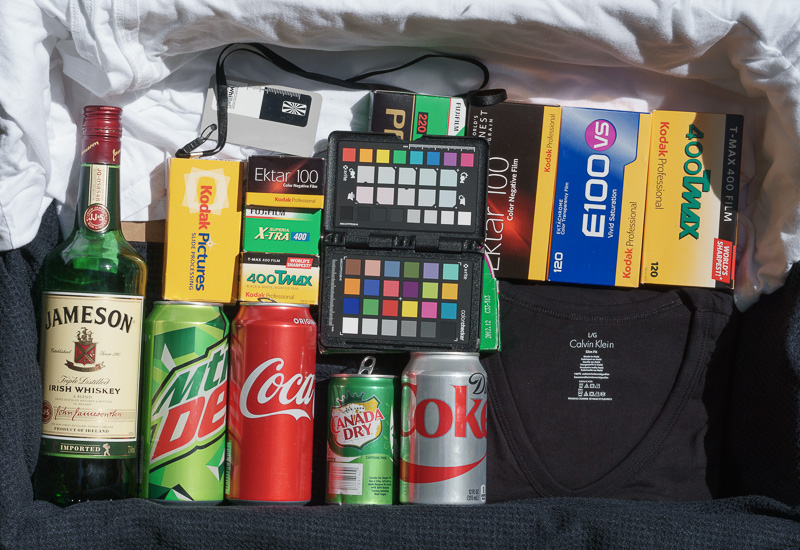
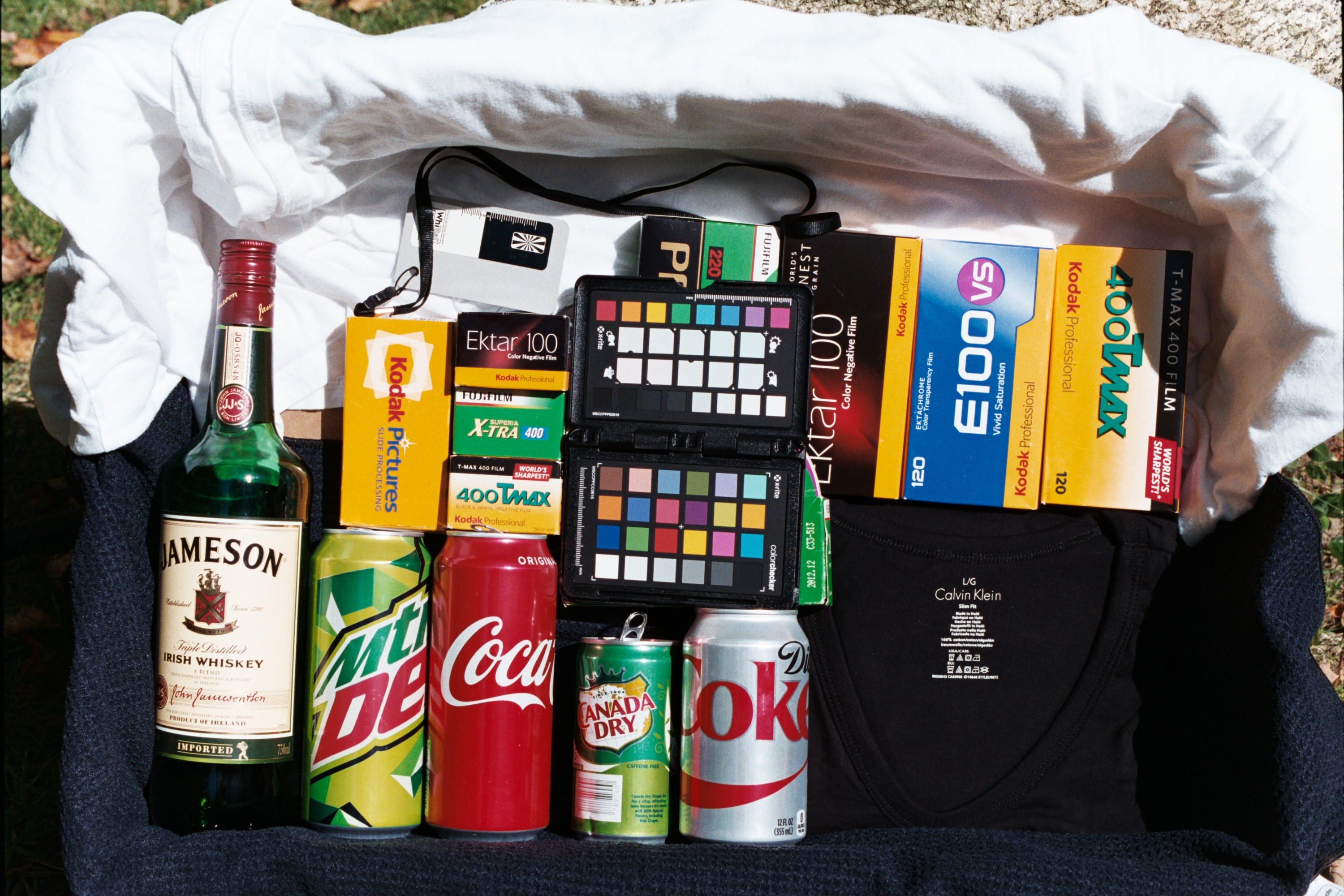
The only real issue I've run into so far is that sometimes the reds are not really red but more magenta. This is more severe in some films than others and also visible in Col. Sebastian's test shots. All PS actions I've tried had much worse color issues, and Colorperfect is not perfect either, it can give quite muddy greens. But to me the muddy greens are less objectionable and easier to correct/minimize.
https://drive.google.com/open?id=1y1wJ7NjUm2cSY6dmly5uMDQleZgjLV4n
In the photos in the link the issue with red is clear in the sweater and the toys. The other picture the colours of the guitars are more natural (and accurate) in the colorperfect version. These are more orange, but to me orange is a bit reddish still, so it might be part of the same problem.
It's of course possible the problem lies with me and I just don't know how to use the plugin or how to correct the cast!
TLDR: fantastic plugin, some issues (for me) but very high on my to purchase list