gcsk76
Established
Background
I use Photo Studio 5.5 (which came with my Canon Scan 8600F couple of years ago) for cloning out the dust.
For resizing, adding contrast, frame etc. I use Fast Stone Image Viewer 3.2.
I have no idea how to use layer/adjust curve etc. (Out of laziness to learn)
Scans, Neg? Print?
All these while I have been scanning my negatives with my 8600F and sharpen/crop/resize/frame with Fast Stone (for internet posting).
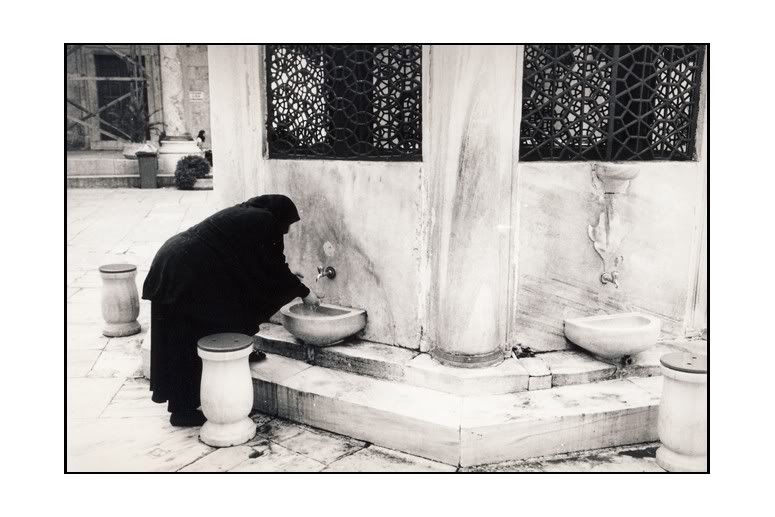
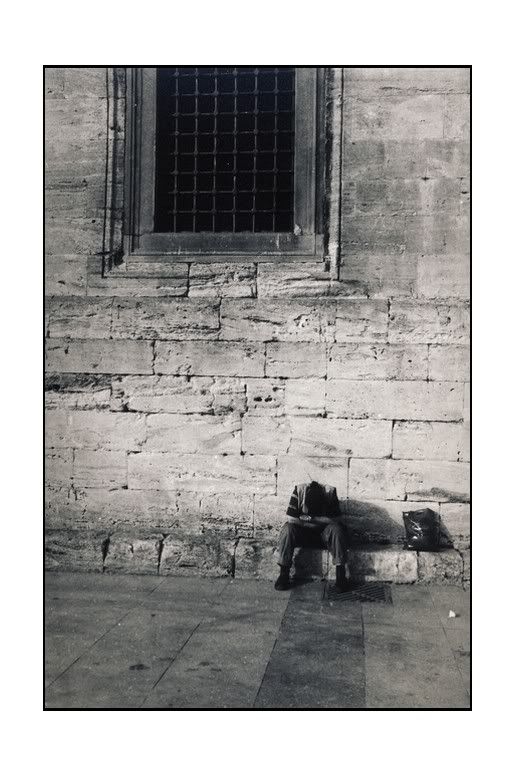
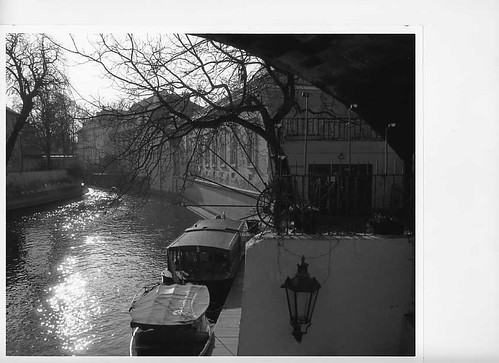
This is how it looks like upon scanning from negatives. Dull, flat.
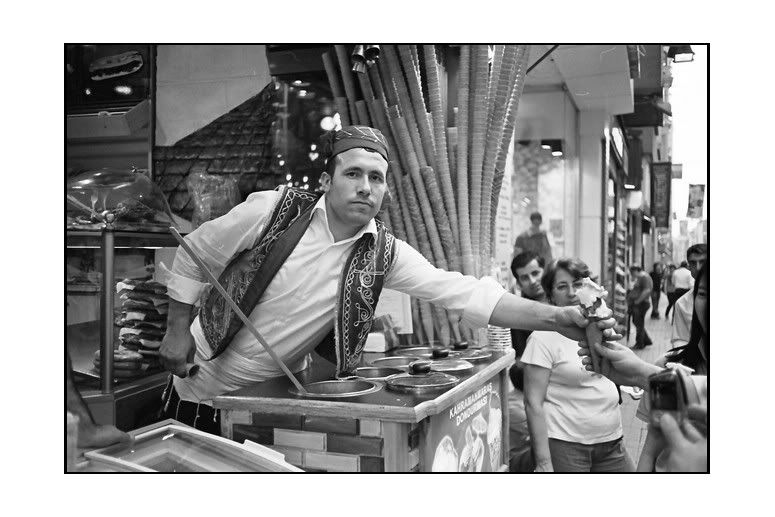
I would then sharpen and add contrast to make this :
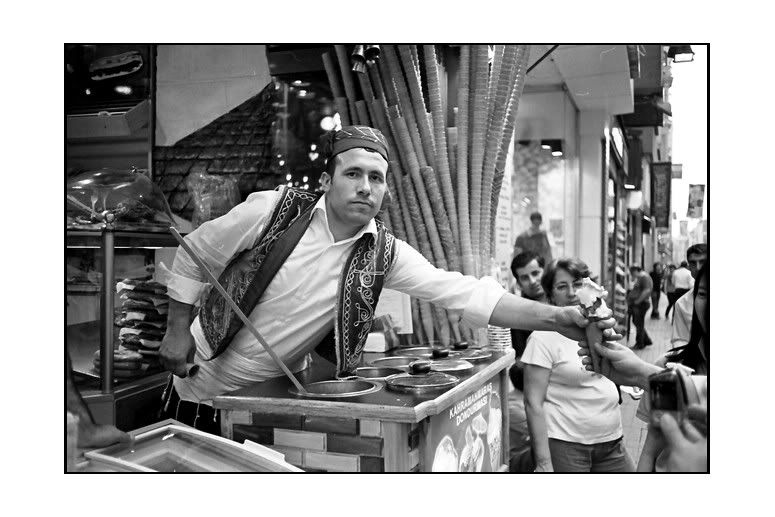
So far so good. Until I saw someone posting photos from Print scan!
And I think to myself, would I be able to present the image of my intention more "original" if I post the Printed scan?
Hence I printed them on Contrast filter #3.5, MGIV RC paper and scan them.
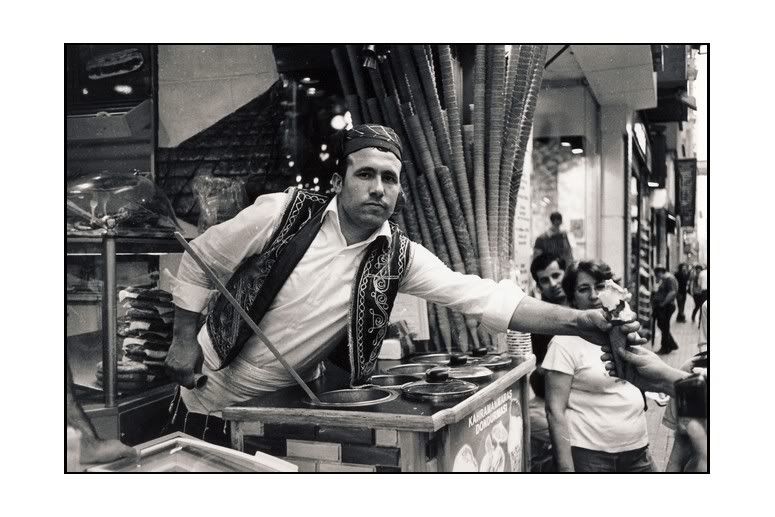
Observation
I would think that different monitor sees different image (judging from the discussion of BW photos in the forum, whereby I can't agree with some of the exposure).
The Print scan is different from the real print when I put them side by side.
From my own monitor, I seems to like more the neg scans.
I understand from previous threads that :
1. Scan photos/negatives need to be tweaked.
2. Flat bed scanner can't capture print details well.
Questions
If I would like to reproduce what I print into what I post, should I change my scanner or should I invest into Photoshop?
PS. If it matters, the picture above taken with Summaron 35/2,8, Tri-X in HC-110.
I use Photo Studio 5.5 (which came with my Canon Scan 8600F couple of years ago) for cloning out the dust.
For resizing, adding contrast, frame etc. I use Fast Stone Image Viewer 3.2.
I have no idea how to use layer/adjust curve etc. (Out of laziness to learn)
Scans, Neg? Print?
All these while I have been scanning my negatives with my 8600F and sharpen/crop/resize/frame with Fast Stone (for internet posting).
This is how it looks like upon scanning from negatives. Dull, flat.
I would then sharpen and add contrast to make this :
So far so good. Until I saw someone posting photos from Print scan!
And I think to myself, would I be able to present the image of my intention more "original" if I post the Printed scan?
Hence I printed them on Contrast filter #3.5, MGIV RC paper and scan them.
Observation
I would think that different monitor sees different image (judging from the discussion of BW photos in the forum, whereby I can't agree with some of the exposure).
The Print scan is different from the real print when I put them side by side.
From my own monitor, I seems to like more the neg scans.
I understand from previous threads that :
1. Scan photos/negatives need to be tweaked.
2. Flat bed scanner can't capture print details well.
Questions
If I would like to reproduce what I print into what I post, should I change my scanner or should I invest into Photoshop?
PS. If it matters, the picture above taken with Summaron 35/2,8, Tri-X in HC-110.