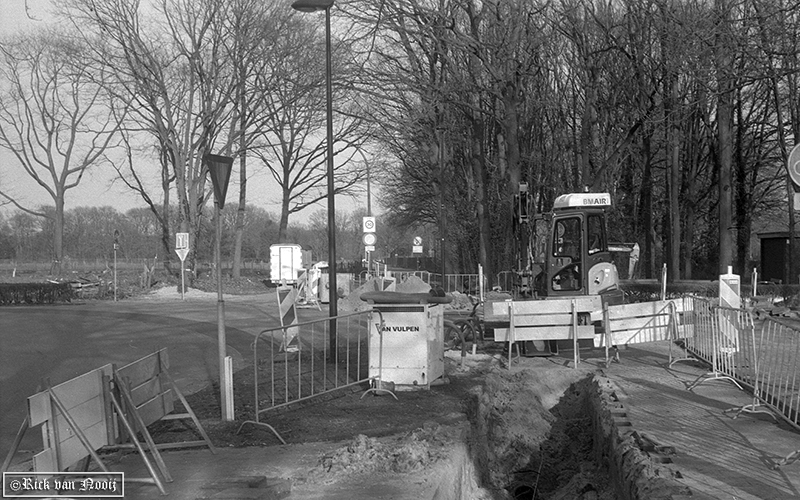
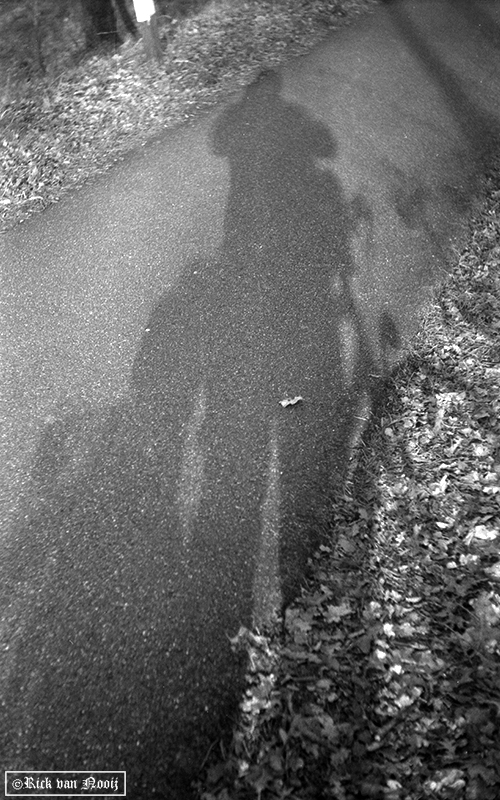
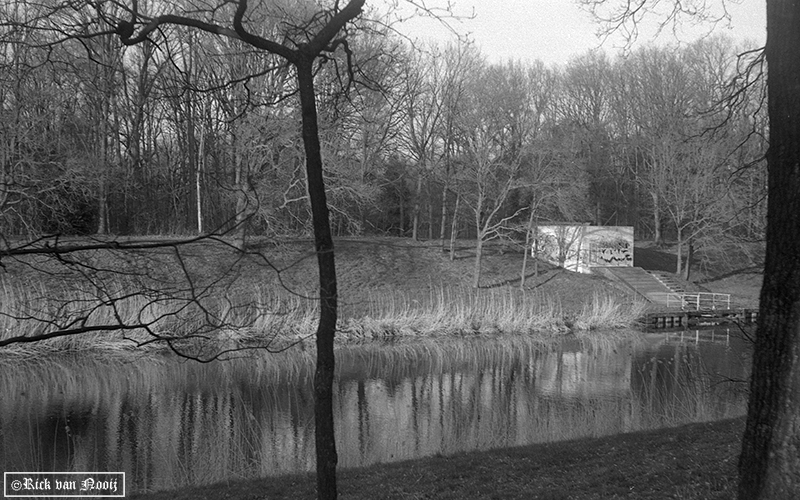
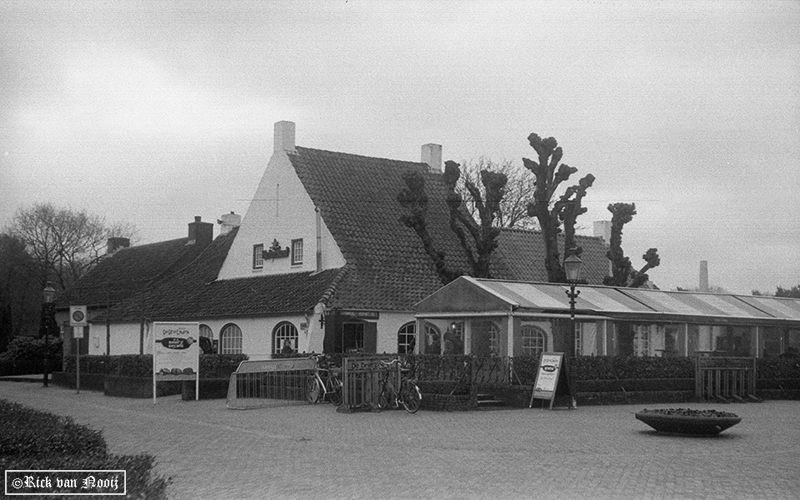
Photos with the Contax I.

From the latest test roll I shot over the last week.

5cm f/2.8 Tessar, Fomapan 100 (HC-110, B, 6.5m, 20C)
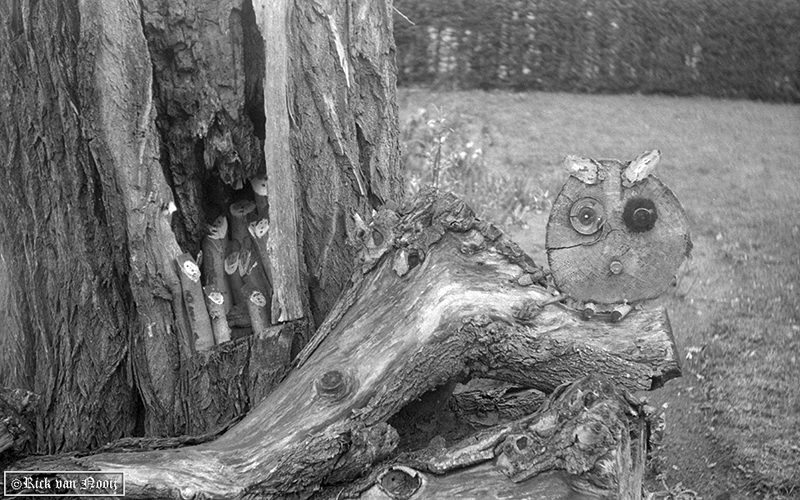
CT170303.jpg


CT170308.jpg


CT170310.jpg


CT170311.jpg


I still have the feeling that the medium speeds are a bit too slow and the sports speeds are a bit too fast.
 
I still have the feeling that the medium speeds are a bit too slow and the sports speeds are a bit too fast.

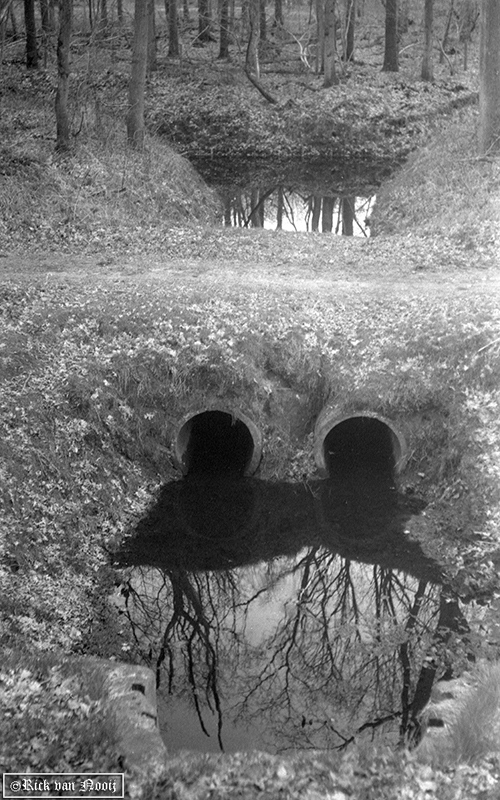
Very nice shots!

Does the shutter open on all the sport speeds? That is a miracle in itself.

Shutter speeds are relative. When the sport speeds are too fast, then the medium speeds are too slow.

In the cameras I have with Aki Asahi ribbon the sport speeds do not open at all.

Don't you have trouble with perforitis? That is when the perforations of the film are visible in the image. I have that trouble in two cameras.

Erik.
 
Yes, all speeds in the Sports group work, with exception of 1/1000th as I'm not exactly sure how to set that speed. The knob sinks into position with the dot on the 1/500th line, but at 1/1000 it does not.

Actually I think someone might have messed with the alignment of the dots on the winding knob, as I can only ever line up one particular dot but never the other.
From the reading material I gathered it has two colored dots (white and red) to match with the colored dots of the speed group....is that right?


And no perforitis. The film stayed centered in the guide for the whole length. I used Kaiser reloadable cassettes. I don't seem to have this problem with any of my LTM Leicas either.

I did remove the film in a change bag, instead of rewinding it inside the camera. But some of the photos still have horizontal scratches on them. Must be something I've missed in the film chamber.
 
I will look for some Kaiser casettes as the problem of the perforitis is related to the height of the filmcassettes.

There are two SMALL dots, red and white, on the speed setting knob. They are on the narrow black ring. The red dot is to be used for the speeds that are marked in red. To use the red speeds, you first have to set the BIG red dot (or arrow) on the broad black ring to the marking (a nickel triangle or screwhead) in the leather on the left of the knob. To use the white speeds you first have to set the BIG white dot (or arrow) to the marking in the leather. The SMALL red and white dots have to be set to the engraved speeds. The white dot to the speeds in white and the red dot to the speeds in red. In reality it is not very complicated, but to write it down ...

Erik.
 
with exception of 1/1000th as I'm not exactly sure how to set that speed.

There is a small lever in the knob that is connected to a small spring. When the setting rod is on the left of the lever, you have 1/500, when it is on the right, you have 1/1000. The problem is that you cannot see what you do, because the small lever is inside the knob. You have to feel it.

Erik.
 
That's how I understood it to work according to the Zeiss catalogue.

But on my camera, when I pull up the knob I can only line up the red dot of the winding knob with the lines of the visible speed group regardless of the color of the dot of the group. The other (white) dot on the winding knob can not be turned far enough, when pulled out, to point at any speeds in the visible group, except Zeit. ( but the dot doesn't line up with it correctly )
 
That's how I understood it to work according to the Zeiss catalogue.

But on my camera, when I pull up the knob I can only line up the red dot of the winding knob with the lines of the visible speed group regardless of the color of the dot of the group. The other (white) dot on the winding knob can not be turned far enough, when pulled out, to point at any speeds in the visible group, except Zeit. ( but the dot doesn't line up with it correctly )

This sounds as if the winding knob is not correctly connected with the inside mechanism. This is extremely complicated and there are no precise instructions how to get it right, as far as I know.

If the camera works satisfactory now, I would leave it as it is.

The pictures are very good.

Erik.
 
If it was a simple matter of adjusting the alignment of the dots I might take a stab at it some day. Maybe after studying Dralowid's and Deklari's photo's and sketches a bit more.


But for now it seems to work well enough.
 
Of course, after looking at Deklari's sketches I took the shutter button apart yesterday evening to see if it was turned out of position....I guess it was turned and set 90 degrees counter-clockwise. The 'white' dot was filled in with black on purpose and only the red dot on the dial is used.

Of course putting it back together didn't go well with my "Homer Simpson" method of mechanics. Took me to 2:30am to get it working again heh!
 
Of course, after looking at Deklari's sketches I took the shutter button apart yesterday evening to see if it was turned out of position....I guess it was turned and set 90 degrees counter-clockwise. The 'white' dot was filled in with black on purpose and only the red dot on the dial is used.

Of course putting it back together didn't go well with my "Homer Simpson" method of mechanics. Took me to 2:30am to get it working again heh!

When you take out the big screw in the center you have to watch out for the small spring of the 1/500 - 1/1000 lever. It jumps away easily. I am still looking for mine.

You can put the knob back together in four positions, but it is totally unclear what you in fact are doing.

I had a camera that was out of synch. I had to reposition the winding knob. On that camera too only the red dot is working. It was for me impossible to get the knob into the right position, but I have at least a full range of speeds exept "B".

Is the knob on your camera now working as it should?

Erik.
 
My spring under the 1/500-1/1000th lever was already gone anyway. 😉
Need to figure out a replacement.

Actually, if you look at the tooth on the inside of the winding knob, you can figure out where the red/white dots will end up when the tooth falls into slots on the inner wheel.

I turned the knob 90 degrees so both setting dots can be used, but they don't actually seem to work very well on their given settings. Only using the 'white' dot lets the shutter work correctly.
 
Did some fine-tuning on it today. made a replacement spring and set the mechanism so the white arrow points at speeds in the selected group. Filled in the engravings with some 'wasco' vetkrijt...euh crayon?.


Let me get back on topic a bit 😉

CT170312.jpg


Some scratches
CT170305.jpg
 
Of course, after looking at Deklari's sketches I took the shutter button apart yesterday evening to see if it was turned out of position....I guess it was turned and set 90 degrees counter-clockwise. The 'white' dot was filled in with black on purpose and only the red dot on the dial is used.

Of course putting it back together didn't go well with my "Homer Simpson" method of mechanics. Took me to 2:30am to get it working again heh!

It's just sketches..😉 I spend days to get my camera working again. Lucky me, I don't have original knob, no idea where red dot should be. But you get it working, congratulations.
You take good pictures.
 
The tooth on the inside of the knob is a few millimeters from the white arrow, the red dot is 90 degrees counter-clockwise of the arrow. On my camera at least.
 
The tooth on the inside of the knob is a few millimeters from the white arrow, the red dot is 90 degrees counter-clockwise of the arrow. On my camera at least.

I have try many time to guess location of the red dot, but no luck, it not working for me. The tooth inside only working if it seat into fast speed (1/1000, 500, 200, 100) for all group.
 
Back
Top Bottom