GarageBoy
Well-known
So I'm finally trying to get some color scans in but I'm not sure what they're supposed to look like
I'm using Epson Scan - setting the levels so they don't clip, letting epson scan invert and then using GIMP to apply an S curve
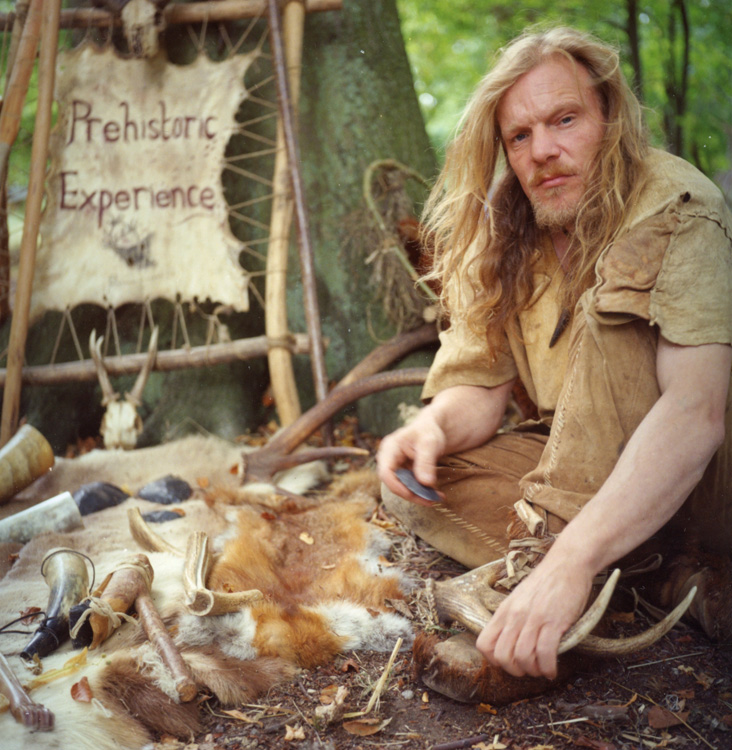
Here are the results (Ektar 100)Top photo is straight scan, second is S curved
Now I understand the blue shadows complaint of underexposed Ektar
Am I in the ballpark or should I change my work flow/ mess with hue/saturation/color balance


I'm using Epson Scan - setting the levels so they don't clip, letting epson scan invert and then using GIMP to apply an S curve
Here are the results (Ektar 100)Top photo is straight scan, second is S curved
Now I understand the blue shadows complaint of underexposed Ektar
Am I in the ballpark or should I change my work flow/ mess with hue/saturation/color balance