leica films and dslr scanning

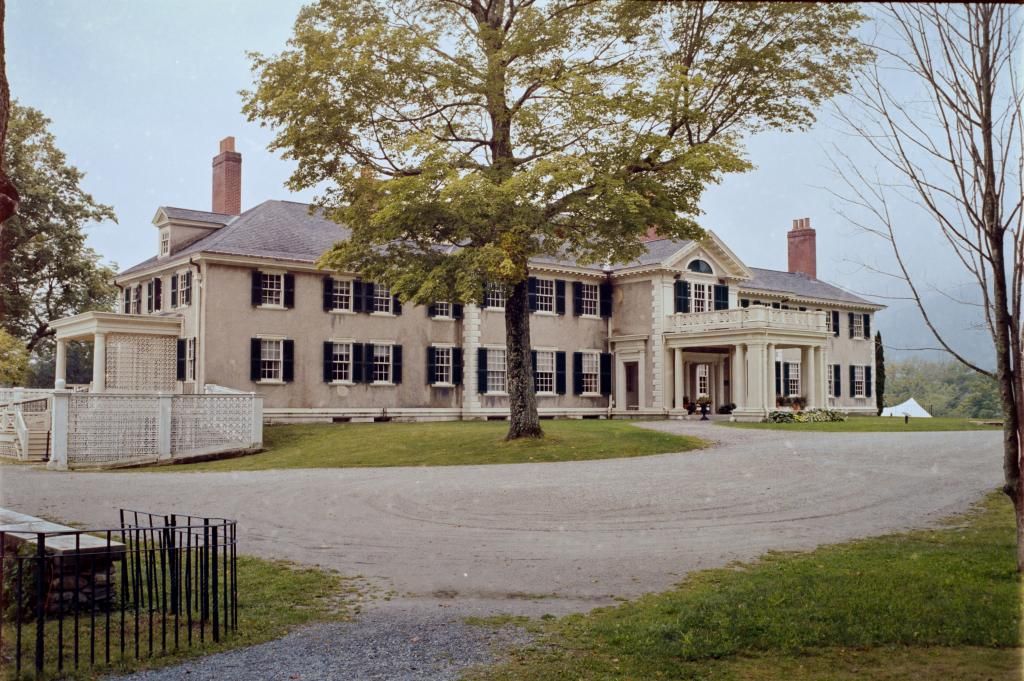
9754950674_db2f7613e1_b.jpg

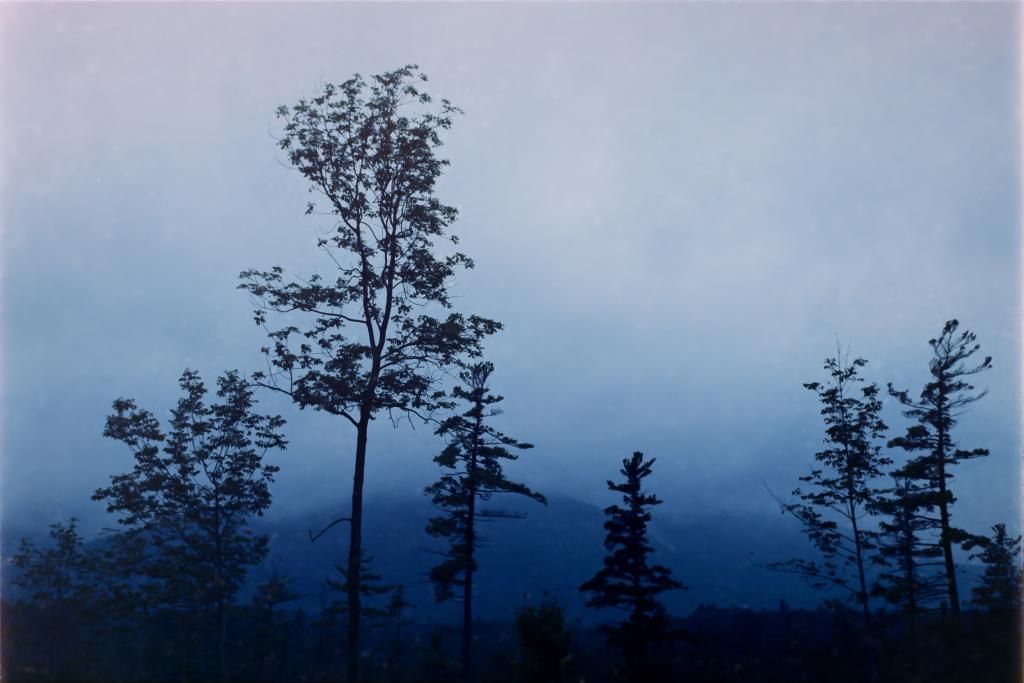
That is a great shot, and a beautiful scan.
Does the grain stay fresh in the corners? And what aperture did you use?
I'm interested in learning more about the micro nikkors, especially the 40mm DX.
 
I have found the Active D-Lighting to be a problem in B&W negative work, but sometimes useful in colour slide transfers when you're struggling with the high contrast of Kodachrome. With the B&W scans, it's really tricky to decide when to reverse the image, how to set the black points and how much "clarity" to use. I'm using Adobe Camera Raw to import my NEF scans now and I do the reversal in there. I like doing tone curves in Photoshop, because that's what I'm used to. The image below took some work as I find the Arum lilies are in some ways a high contrast subject that you have to be careful not to lose highlight detail in. Shot on Leica IIIF with Summitar lens, Delta 100 film.
arums.jpg
 
With B&W you really don't need any tricks in the camera because a B&W neg doesn't have a very wide tonal range, and the camera can cover it easily with room left over at the ends of the histogram. Generally, I find it better to shoot "to the right" but it doesn't matter much.

Anything fancy I do, the burning, dodging, local contrast stuff, I do later in Photoshop, just like printing in the darkroom.

This is the case with "real" scanners, too: B&W negs aren't the problem; color slides are the ones with too wide of a range for both camera scanning and some real scanners.

whited3, how are you doing your color correction? Do you have a plan, or do you just push things around until they look right. The color looks pretty nice.
 
Mcfingon, those lilies are yummy!

With B&W you really don't need any tricks in the camera because a B&W neg doesn't have a very wide tonal range, and the camera can cover it easily with room left over at the ends of the histogram. Generally, I find it better to shoot "to the right" but it doesn't matter much.

That is pretty much what I find : room left over at the ends of the histogram.
Which makes me wonder about the density range of negatives, and how little of that range is captured by the CCD.

As for when to set black/white points and when to invert, I constructed my workflow on gut feel and yokel logic, so I may be entirely wrong, but this is it :

I open the negative raw files in photoshop, which calls up the camera raw converter.
In the converter, I set all the images to greyscale, and then I set the white point to the film base (or if the neg was over-exposed, to the first white spot in the image) and the black point to the first appearing black spot (except if it is dust) I mostly use the 'blacks' and 'whites' sliders for this, with the alt key pressed down so I see the fall-off. Sometimes, I'll have to add some pushing and pulling on the 'shadows' and 'highlights'. Very rarely, I will fiddle with exposure or contrast, to even out the histogram a bit.
Once every negative is treated like this in Camera Raw, I open them in photoshop, and perform a flip, invert and save action. Files are saved to 16bit PSD format. And then I import in lightroom, for tweaking and spotting and cataloguing.

The 'logic' of it is this : once I have set the extreme densities of the neg to black and white, I have all the densities I can pull out of that scan, spread from pure white to full black. With a well-exposed negative, this doesn't leave me very much to do (except spotting :bang: ). And it gives me more leeway to tweak the highlights and the shadows in Lightroom. For a subject like Mcfingons Arum lilies, I would start by pulling the highlights all the way down to the left, the shadows all the way up to the right, keeping whites and blacks at their maximum. This may of course result in an image much too low in contrast, but it does give a maximum, a point from which to claw back.

I have the impression that the highlights & shadows, blacks&whites sliders are not quite symmetrical in their effect. They may be optimized for use on a positive image. Or it may just be that I get confused when working on a negative.
 
whited3, how are you doing your color correction? Do you have a plan, or do you just push things around until they look right. The color looks pretty nice.

For now I'ts too early to claim I'm doing a lot more than pushing things around. Essentially I've got my raw files in Lightroom, from which I edit in Photoshop. Editing consists of inverting the negative, then setting black and white point for R, G, and B in with the curves layer mask. This alone will get me half way in the ballpark. Next I find I typically add some red (to cancel the orange cast) and usually end up tweaking the green and blue by imparting the bottom of an S curve while the highlights remain approximately linear. Finally, I've found it helpful to make final tweaks with a color balance mask; this part I really only correct shadows and highlights (I often need to correct for red cast in shadows at this point), and I presume this extra step wouldn't be needed if set black and white points correctly to begin with. I'll try to explain...

Since I am essentially trying to discover the correct curve for red green and blue by eye, I start off by setting black points based on clipping. In reality I don't think the bottoms of R, G, and B line up exactly based on their clipping points, but it's all I've got for a reference. Actually I think I just talked my way to the answer: I need to take a reference shot of the film base and calibrate my black points using that + my desired white balance... or something like that.

Another consideration is I've only tried a single roll of CVS developed Ektar 100, which I hear has different colors than "typical" color negative film. Also of note is I typically shoot to the right when DSLR scanning as I find with Ektar so far the Green and Blue channel highlights (after inversion) are not entirely contained within the histogram in spite of shooting against a blue sky.

Anyways I do hope this helps. It took me like 5 images with a bunch of rework before I even got this far so I recommend just experimenting.
Edit: one important tip I'd give for processing in general is to be cognizant of the frame borders around your negative image when setting black points with your histogram. Many times the border is blacker than black in the image, so I always use clipping indicators to know where the in-image black point is.
 
That is a great shot, and a beautiful scan.
Does the grain stay fresh in the corners? And what aperture did you use?
I'm interested in learning more about the micro nikkors, especially the 40mm DX.

Thanks 🙂 i scanned/shot this at f8, to have a decent sharpness thru out the film. the grain u see there is part of the post process i added at lightroom, i think in the future i need to use the noise reduction more 😉
 
Back
Top Bottom