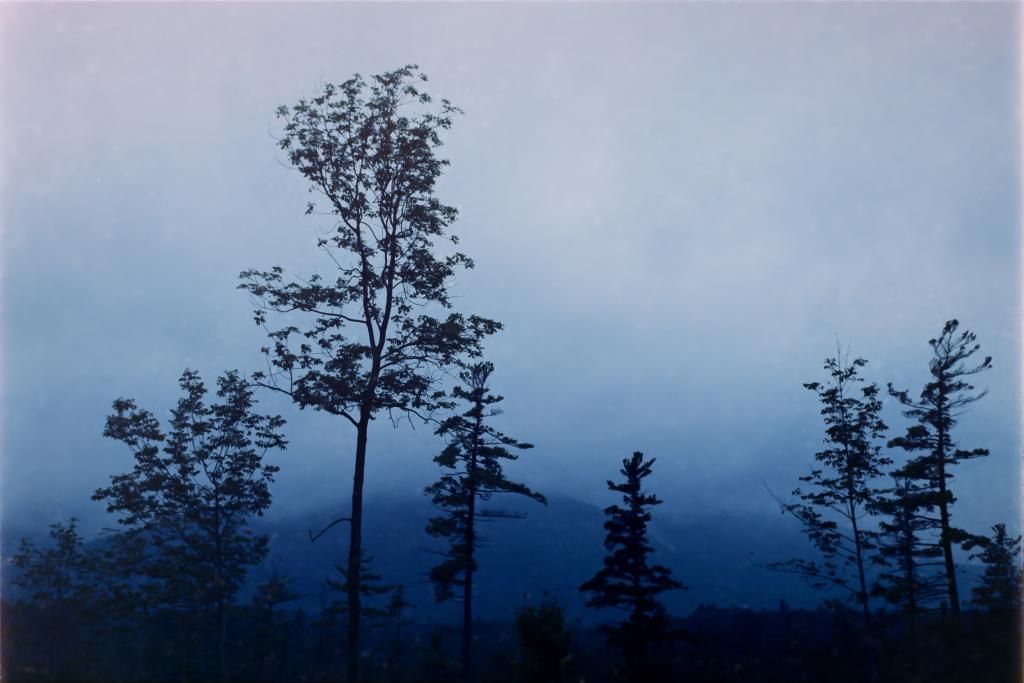
Mcfingon, those lilies are yummy!
With B&W you really don't need any tricks in the camera because a B&W neg doesn't have a very wide tonal range, and the camera can cover it easily with room left over at the ends of the histogram. Generally, I find it better to shoot "to the right" but it doesn't matter much.
That is pretty much what I find : room left over at the ends of the histogram.
Which makes me wonder about the density range of negatives, and how little of that range is captured by the CCD.
As for when to set black/white points and when to invert, I constructed my workflow on gut feel and yokel logic, so I may be entirely wrong, but this is it :
I open the negative raw files in photoshop, which calls up the camera raw converter.
In the converter, I set all the images to greyscale, and then I set the white point to the film base (or if the neg was over-exposed, to the first white spot in the image) and the black point to the first appearing black spot (except if it is dust) I mostly use the 'blacks' and 'whites' sliders for this, with the alt key pressed down so I see the fall-off. Sometimes, I'll have to add some pushing and pulling on the 'shadows' and 'highlights'. Very rarely, I will fiddle with exposure or contrast, to even out the histogram a bit.
Once every negative is treated like this in Camera Raw, I open them in photoshop, and perform a flip, invert and save action. Files are saved to 16bit PSD format. And then I import in lightroom, for tweaking and spotting and cataloguing.
The 'logic' of it is this : once I have set the extreme densities of the neg to black and white, I have all the densities I can pull out of that scan, spread from pure white to full black. With a well-exposed negative, this doesn't leave me very much to do (except spotting :bang: ). And it gives me more leeway to tweak the highlights and the shadows in Lightroom. For a subject like Mcfingons Arum lilies, I would start by pulling the highlights all the way down to the left, the shadows all the way up to the right, keeping whites and blacks at their maximum. This may of course result in an image much too low in contrast, but it does give a maximum, a point from which to claw back.
I have the impression that the highlights & shadows, blacks&whites sliders are not quite symmetrical in their effect. They may be optimized for use on a positive image. Or it may just be that I get confused when working on a negative.