
Daniel.E
Member
If you send me one I can try it out for you and post results here.

Blows the other techniques out of the water.

I am interested, but I dont' use Lightroom like mod2001.
Why don't they make a standalone or a PS plugin?
And, with an apology for the dumb question, what is CP?

If you send me one I can try it out for you and post results here.

Hi Nate, or anyone else who has the facility to try this, will the plugin work with a Vuescan DNG file from a C41 scan with the scanner in Transparency scanning mode?
Pete
i'm pretty impressed so far. the "noritsu" mode, linear, with some minor tweaking creates a fantastic starting point for colors. great job Nate.
I've tried the fix you mentioned for the reds and get drastic improvements.
Would it be possible to get a white balance dropper in the plugin, before the conversion? As I've mentioned, I'd prefer to keep the workflow on the raws, without copies, and the white balnace dropper from lightroom does not work well after conversion.
And what are your plans for the plugin? Will it be a single release, or will updates keep coming. And would they be "included" with the original license or bought separately? (And I gladly invest money for such a great and useful thing).
At the moment it is not possible to zoom in or out in the plugin.
Will the plugin work with a Vuescan DNG file from a C41 scan with the scanner in Transparency scanning mode?
When I first run the demo plugin, the option to choose the colour profile (Frontier, Noritsu etc.) is greyed out. But if I 'unconvert' the option becomes available. Is this a bug, or part of the limits of the demo, or am I missing something?
I'm scanning raw files with an Epson V550 flatbed, but there are no profiles included for scanners, only digital cameras. Should I be changing something in Lightroom to account for this?
A PS plugin would be easier, I guess, but you would then lose all the cataloging and non-destructive editing benefits of Lightroom. This seems to be the best of both worlds for me.

Bought it and love it!
In the new Lightrooms you're able to apply what is basically a LUT on any raw file regardless of what camera you use (just as long as it's a raw image). RNI made some film emulation ones that I can apply easily to my Silverfast raw scans since they're a DNG file. If you could create one for Negative Lab Pro, it would (in theory) work for any camera and any film scanner raw images. You wouldn't even have to make new profiles for new cameras when they come out since the profile isn't camera specific.
Interesting, I had no idea how it worked, just saw that they could be applied to my film scans. I also notice that, despite not having the camera profile, I can choose Noritsu or Frontier and the histogram changes very slightly. I don't notice much of a difference between them, but I'm glad it still does something on film scanner files!It's a good idea, but the problem is that the LUT is just applied on top of an underlying DCP camera profile (it doesn't replace it). So if I didn't make the custom DCP camera profile, the LUT would just be applied on top of Adobe Standard, which is not ideal because it has an embedded tone curve and hue twists, which are both the enemies of proper negative conversions. So in any case, I still need the Negative Lab Pro camera profiles to be made for proper conversions. I may end up using LUTs for other purposes though...
Yes, it is high on my priority list. 🙂If you could create a profile for the last generation of Nikon Coolscans (Coolscan V, 5000, etc), that would be incredible.
I also notice that, despite not having the camera profile, I can choose Noritsu or Frontier and the histogram changes very slightly. I don't notice much of a difference between them, but I'm glad it still does something on film scanner files!
I'm getting a weird behaviour where if I click on Auto Colour - the text not the check box or the % level, it corrects the colour. And makes it look great. But if I click on the check box it reverts to the un corrected. And if I uncheck it it remains un corrected.
Then if I click on the text again it corrects it again. But if I try to save (or make any other changes), it reverts back to the uncorrected version.


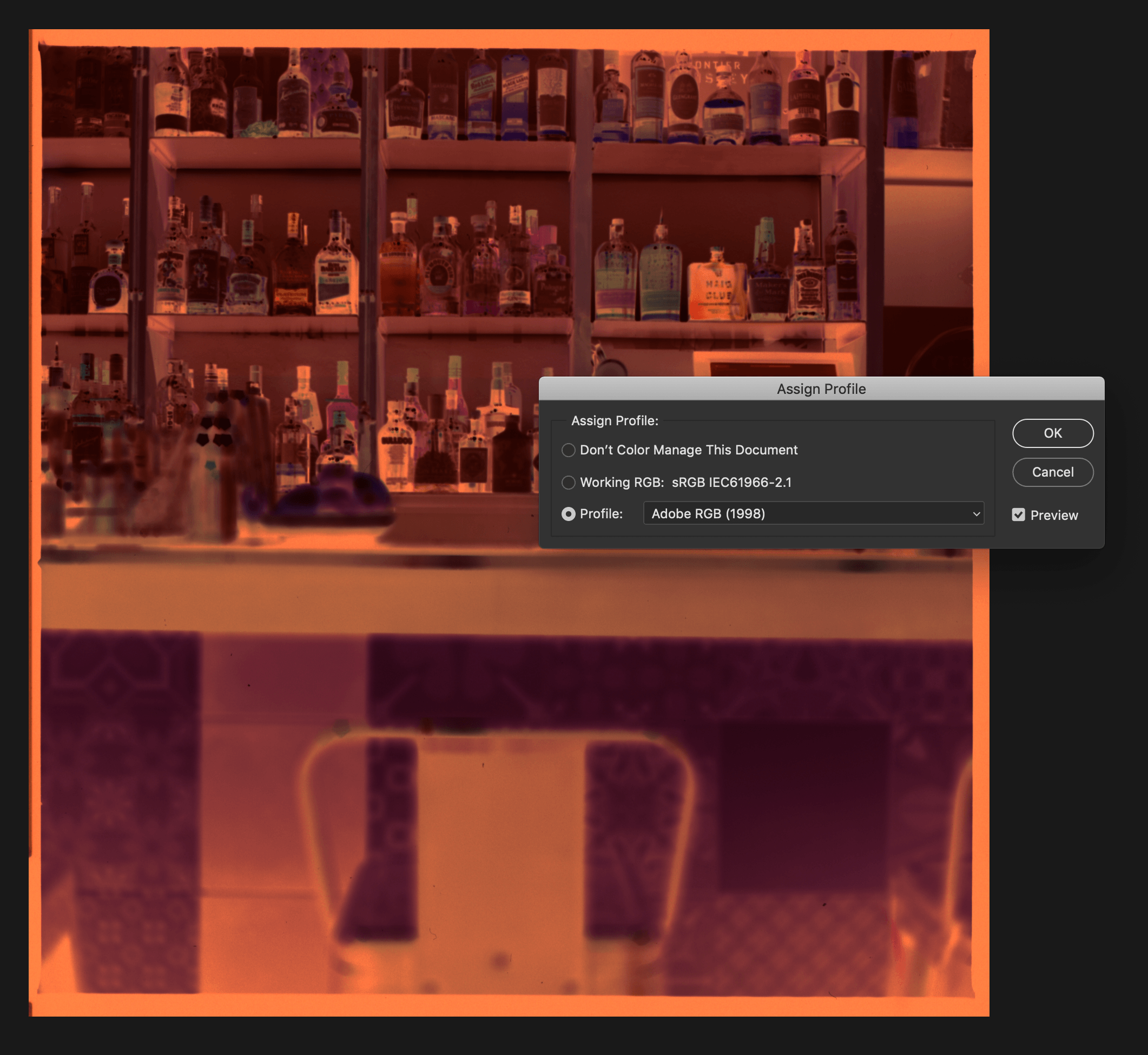

They are closer to what I remember seeing when sat in that Barcelona bar,
Remember which bar? I can check which of both conversions is closer 😉
Juergen

