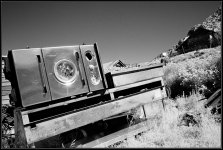
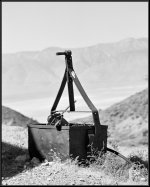
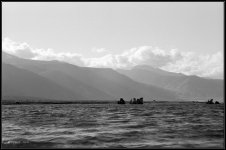
What you're seeing is
grain aliasing, a phenomenon that's caused by scanning rather than what film you use or how you develop it.
It causes images made on conventional b&w films to look much grainier when scanned than they do when printed conventionally. (Chromogenic b&w and color films don't suffer from it as much because their grains consist of soft-edged dye clouds rather than hard-edged clumps.)
Here's a link with a very comprehensive explanation of it.
"Aliasing" is just a term for any image feature that appears because of the digitizing process, rather than being present in the original. To oversimplify a bit, what's happening in your case is that the film's grain structure consists of hard edges with a random pattern, while the scanner's CCD array consists of hard edges with a regular pattern.
You can see that if a grain edge and a CCD edge happen to line up with each other, you'll get a more pronounced texture than if a grain edge happens to land in the middle of a CCD pixel or vice-versa.
Since the grain pattern and the CCD pattern are almost but not quite exact multiples of the same size, they interact as the scanner sweeps across the film to produce a larger random pattern of these enhanced edges. Your eye interprets this as exaggerated grain.
Since this is a fundamental characteristic of the way film and scanners work, there's no easy way to eliminate the effect. You can use a variety of techniques that subdue it by blurring the film's grain structure, but these also soften fine details in the image. Or you can try software filters such as Noise Ninja, which try to analyze the pattern and cancel it out -- but I've found these also affect subject textures such as fabric and hair.
One technique I've used with some success is to scan the negative
twice (usually I do one scan that favors the highlights and another that favors the shadows, to make sure I'm capturing the negative's full density range.) I combine the two scans as layers in a Photoshop file and use the transparency controls to blend them together.
Since the scanner head never returns to
exactly the same position for the second scan, the grain patterns of the two images are very slightly offset, and this somewhat cancels out the aliasing effect. If I need more cancelling, I'll sometimes select one layer and use the arrow keys to nudge it by one pixel in various directions, until I find a direction that suppresses the grainy appearance.
(Apologies to those who remember a very similar answer I posted on a different thread recently, but this is a subject that just seems to keep coming up as more and more people try scanning their treasured b&w negatives and being disappointed with the results.)